Python Full Stack Developer Course for Modern Web Applications

This Python Full Stack Developer course examines how web applications are built across the front end, server side, databases, and cloud deployment. Learn to use Python for backend logic, connect user-facing interfaces with application services, manage data flow, and understand the deployment considerations behind production web development. The curriculum focuses on the practical relationship between each layer of a full-stack application.
4.9 out of 5 based on 12501 votes
google

4.8/5

sulekha

4.8/5

urbanpro

4.7/5

justdial

4.9/5

facebook

4.9/5


ISO
NSDC
Ministry of Corporate Affairs India
Skill India

Calculate Your Course Fee


By requesting here, I agree to Zeblearn's Terms & Conditions and Privacy Policy

Our Partners

Zeblearn Certification Partners

The Python Full Stack Developer program collaborates with top industry players to enrich the learning ecosystem. Students receive exclusive access to APIs from three Fortune‑500 companies for integration practice.


project-management-institute
adobe
autodesk
meta
cisco
microsoft-certified-professional
information-technology-specialist
unity
intuit
apple
esrp
ic3-digital-literacy-certification
project-management-institute
adobe
autodesk
meta
cisco
microsoft-certified-professional
information-technology-specialist
unity
intuit
apple
esrp
ic3-digital-literacy-certification
Our Students Now Work At Top MNCs
8500+ Students Placed
Nishant Kaushik Placed
Nishant Kaushik
SAP MM
manideepak Upskilled
manideepak
Manager
Hari Shankar Jha Career switch
Hari Shankar Jha
Senior System Admin
alok kumar singh Upskilled
alok kumar singh
sap hcm
Jeevak Placed
Jeevak
Consultant
Abhijit S. Getme Upskilled
Abhijit S. Getme
Consultant Engineer
Kartik Singh Placed
Kartik Singh
SAP SD
Hemant Khainar Upskilled
Hemant Khainar
SAP MM Consultant
Neeraj Khanna Placed
Neeraj Khanna
SAP MM
Burna Vinay Kumar Placed
Burna Vinay Kumar
SAP SD Consultant
Shubham Placed
Shubham
SAP ABAP Consultant
Shashikant Career switch
Shashikant
Structure Engineer
Khushbu Career switch
Khushbu
Sap hcm
Nishant Kaushik Placed
Nishant Kaushik
SAP MM
manideepak Upskilled
manideepak
Manager
Hari Shankar Jha Career switch
Hari Shankar Jha
Senior System Admin
alok kumar singh Upskilled
alok kumar singh
sap hcm
Jeevak Placed
Jeevak
Consultant
Abhijit S. Getme Upskilled
Abhijit S. Getme
Consultant Engineer
Kartik Singh Placed
Kartik Singh
SAP SD
Hemant Khainar Upskilled
Hemant Khainar
SAP MM Consultant
Neeraj Khanna Placed
Neeraj Khanna
SAP MM
Burna Vinay Kumar Placed
Burna Vinay Kumar
SAP SD Consultant
Shubham Placed
Shubham
SAP ABAP Consultant
Shashikant Career switch
Shashikant
Structure Engineer
Khushbu Career switch
Khushbu
Sap hcm
Curriculum

Python Full Stack Developer, ZeblearnIndia, online course, web development, cloud deployment Course Syllabus Structure

Our curriculum covers Django, Flask, React, and RESTful services within a Python Full Stack Developer track. Each module includes 12 lab exercises that simulate real client requirements.

  • Introduction
  • What is Full-Stack Web Development
  • Web Development Tools
  • Introduction to Text Editors
  • Installing Atom
  • Installing Sublime Text
  • Installing Visual Studio Code
  • Installing Brackets
  • What is HTTP
  • How the Web Works
  • Planning Your Web Project
  • Sketching Your Project Design
  • Choosing Assets
  • Creating Project Directory
  • What is HTML
  • Anatomy of an HTML Element
  • Basic Structure of an HTML Document
  • Creating a Basic HTML Document Structure:  
  • HTML Attributes
  • Marking Up Text
  • Creating Links
  • What is CSS
  • Ways to Apply CSS
  • Styling Multiple Properties
  • Styling Multiple Elements
  • Modifying CSS
  • CSS Basic Selectors
  • CSS Comments
  • CSS Box Model
  • CSS Margin and Padding Property
  • Changing Background Color
  • CSS Border Property
  • CSS Positioning
  • CSS Display Property
  • CSS Font Property
  • Using Google Fonts
  • What is Bootstrap
  • Bootstrap Installation Options
  • Bootstrap Dependencies
  • Bootstrap Minimum Template
  • Basic HTML Document Anatomy
  • Create a Basic Website with Bootstrap
  • Create Buttons Using Bootstrap
  • Create a Progress Bar Using Bootstrap
  • What is JavaScript
  • Where to Place JavaScript
  • JavaScript Variables
  • Variable Naming Convention
  • JavaScript Arrays
  • Data Types
  • Mixing Data Types
  • JavaScript Operators
  • Arithmetic Operators
  • Operator Precedence
  • String Operators
  • Comparison Operators
  • Logical Operators
  • TypeOf Operators
  • Conditional Statements
  • Functions
  • JavaScript Code Comments
  • Linting Tools
  • JavaScript Events
  • Switching Images
  • What is jQuery
  • How to Access jQuery
  • jQuery Selectors
  • jQuery Event Handler Functions
  • jQuery Animation Effects
  • jQuery Chaining
  • jQuery Callback Functions
  • What is JSON
  • Using Text Editor
  • JSON Syntax
  • Creating JSON Object
  • What We Will Create
  • Creating Project Directory
  • Building the Structure
  • Applying Styling
  • Adding Logic
  • What We Will Create
  • Creating Project Directory
  • Creating the Structure
  • Applying Styling
  • Adding Logic
  • What We Will Create
  • Creating Project Directory
  • Creating the Structure
  • Applying Styling
  • What is Command Line Interface
  • How to Access Command Line Interface
  • What You Can Do with Command Line
  • Useful Commands
  • What is Git
  • What is GitHub
  • Installing Git
  • Create GitHub Account
  • Basic Git Architecture
  • Basic Git Workflow
  • Sublime Text
  • Basic Git Configuration
  • Retrieving Configuration Settings
  • Creating a File and Directory with Git Bash
  • Initializing Empty Git Repository
  • Adding Files to Staging Index
  • More Ways to Add Files to Staging
  • Committing Files to Repository
  • Using Git Help
  • Creating a .gitignore File
  • Editing and Re-committing Changes
  • Creating a Git Branch
  • Merging Branches
  • Creating Local Repository
  • Creating a Remote Repository
  • Creating a README.md File
  • Editing README.md File
  • Cloning a Remote Repository
  • Forking a Repository
  • How to Fork a Repo
  • Getting Updates Using Pulling
  • Viewing the Commit Logs
  • What is SQL
  • What is PostgreSQL
  • Database Concept
  • Installing PostgreSQL on Windows
  • Installing PostgreSQL on Mac
  • Connecting to PostgreSQL
  • Installing Sample Database
  • What is CRUD
  • Data Types
  • SQL Commands: CREATE Table
  • SQL Commands: INSERT Data
  • SQL Commands: UPDATE Data
  • SQL Commands: READ Data with SELECT
  • SQL Commands: WHERE Clause
  • SQL Commands: ORDER BY Clause
  • What is Python
  • Installing Python on Windows
  • Installing Python on Macs
  • Installing PyCharm on Windows
  • Installing PyCharm on Macs
  • How to Change Theme in PyCharm
  • PyCharm Windows Configuration 
  • PyCharm Mac Configuration
  • High and Low Level Programming Languages
  • Interacting with Python 
  • Python Expressions
  • Python Statements
  • Python Code Comments
  • Python Code Indentation
  • Python Variables
  • Creating Variables
  • Python Arithmetic Operators
  • Python Assignment Operators
  • Python Comparison Operators
  • Python Logical Operators
  • Number Data Type
  • String Data Type
  • Boolean Data Type
  • Casting Data Types
  • What are Data Structures
  • What is a Python List
  • Creating a Python List
  • Accessing Elements in a List
  • Python List Methods: Part 1
  • Python List Methods: Part 2
  • Nested List and For Loop
  • Python Tuple: Part 1
  • Python Tuple: Part 2
  • Python SET
  • Python SET Methods
  • Python Dictionary
  • Python Dictionary Methods
  • Creating a Directory for Python Files
  • What are Python Functions
  • Python Return Keyword Value
  • Using Default Parameter Value
  • Using Keyword Arguments
  • Functions Returning Other Functions
  • Assigning Functions to Variables
  • Global and Local Variable Scopes
  • Nesting Functions
  • Nesting Functions Accessing Variable Scope
  • Function Pass Keyword
  • Passing Functions as Arguments
  • Using VarArgs Parameter
  • Python Function vs Python Method
  • Anonymous Functions
  • Python DocStrings
  • Python Decorators
  • Introduction to Control Flow
  • If Statements
  • Else Statements
  • Elif Statements
  • While Loops
  • For Loops
  • Nested For Loops
  • Break Statement
  • Continue Statement
  • Introduction to OOP
  • Creating a Class
  • Instantiating a Class
  • Modifying Classes
  • Class and Instance Variables
  • Inheritance 
  • Polymorphism 
  • Encapsulation 
  • Abstraction
  • What are Modules
  • How to Use Modules
  • Built-in Modules
  • Python Packages
  • Python dir Function
  • __pycache__ Directory
  • Introduction to Python Exceptions
  • Handling Exceptions
  • Implementing Basic Exception Handling
  • What is Django
  • Famous Apps Built with Django
  • Django Architecture
  • Creating a Project Directory
  • Verify Pip Installation
  • Installing a Virtual Environment
  • Creating and Activating a Virtual Environment
  • Updating Pip
  • Installing Django
  • What We Will Create
  • Project Code
  • Creating Project Directory
  • Project Mockup Design
  • Creating a Django Project
  • Anatomy of a Django Project
  • Starting Django Development Server
  • Django Migrations
  • Installing Django App
  • Anatomy of a Django App
  • Django Admin and Superuser
  • Django Templates
  • Django Views
  • Django URL Patterns
  • Django Static Files
  • What Are Django Models
  • Creating Models
  • Migrating Models
  • Initializing Git Repository
  • Excluding Files from Version Control
  • Adding Files to Version Control
  • Committing Files to Version Control
  • Creating Remote Repository
  • Pushing Project Code to GitHub
  • Displaying Data from Database
  • Setting Background Color for Completed Items
  • Committing Changes to GitHub
  • Adding a Form
  • Capturing Data with Form
  • Adding Form to Template and View
  • Adding Form Input to Database
  • Creating a View for Completed Items
  • Creating a View to Delete All Completed Items
  • Creating a View to Remove All Items from Database
  • Pushing Updates to Version Control
  • Deploying Todo App to the Cloud 
  • What We Will Create
  • Project Code
  • Updating Pip
  • Install a Virtual Environment
  • Create a Virtual Environment
  • Installing Django
  • Create a Django Project
  • Components of a Django Project
  • Running Django Development Server
  • Create a New Django App
  • Register Your New Django App
  • Django Database Setup 
  • Time Zone Setup
  • Running Migrations
  • Creating a View
  • Creating a Model
  • Activate Model
  • Create Superuser Account
  • Register Model with Admin Site
  • Create Model Objects
  • Using Django Templates
  • Displaying Data from Database
  • Adding Bootstrap to Template 
  • Adding Static Files 
  • Adding Links to Buttons
  • Displaying Media Content 
  • Creating Object Links
  • What Is an API
  • Installing Python
  • Creating and Activating a Virtual Environment
  • Installing Django
  • Installing Django REST Framework
  • Installing Atom
  • Creating a Django Project
  • Creating a Django App
  • Registering App with Django
  • Installing PostgreSQL
  • Setting Up Django with PostgreSQL
  • Running Initial Migration
  • Creating a Django Model
  • Creating and Applying New Migration
  • Creating a Serializer Class
  • Starting and Stopping Django Development Server
  • Creating a Superuser Account
  • Creating Views 
  • Mapping Views to URLs
  • Registering Model with Admin Site
  • Creating Model Objects
  • Installing Postman
  • Testing API with Postman
  • Beyond Learning

    We empower you with skills that land your dream job.

    By requesting here, I agree to Zeblearn's Terms & Conditions and Privacy Policy

    FREE
    PYTHON FULL STACK DEVELOPER
    SELF ASSESSMENT

    Four capstone assessments measure your proficiency as a Python Full Stack Developer. Scores above 85% unlock a priority placement in our partner network.

    Take Free Practice Test
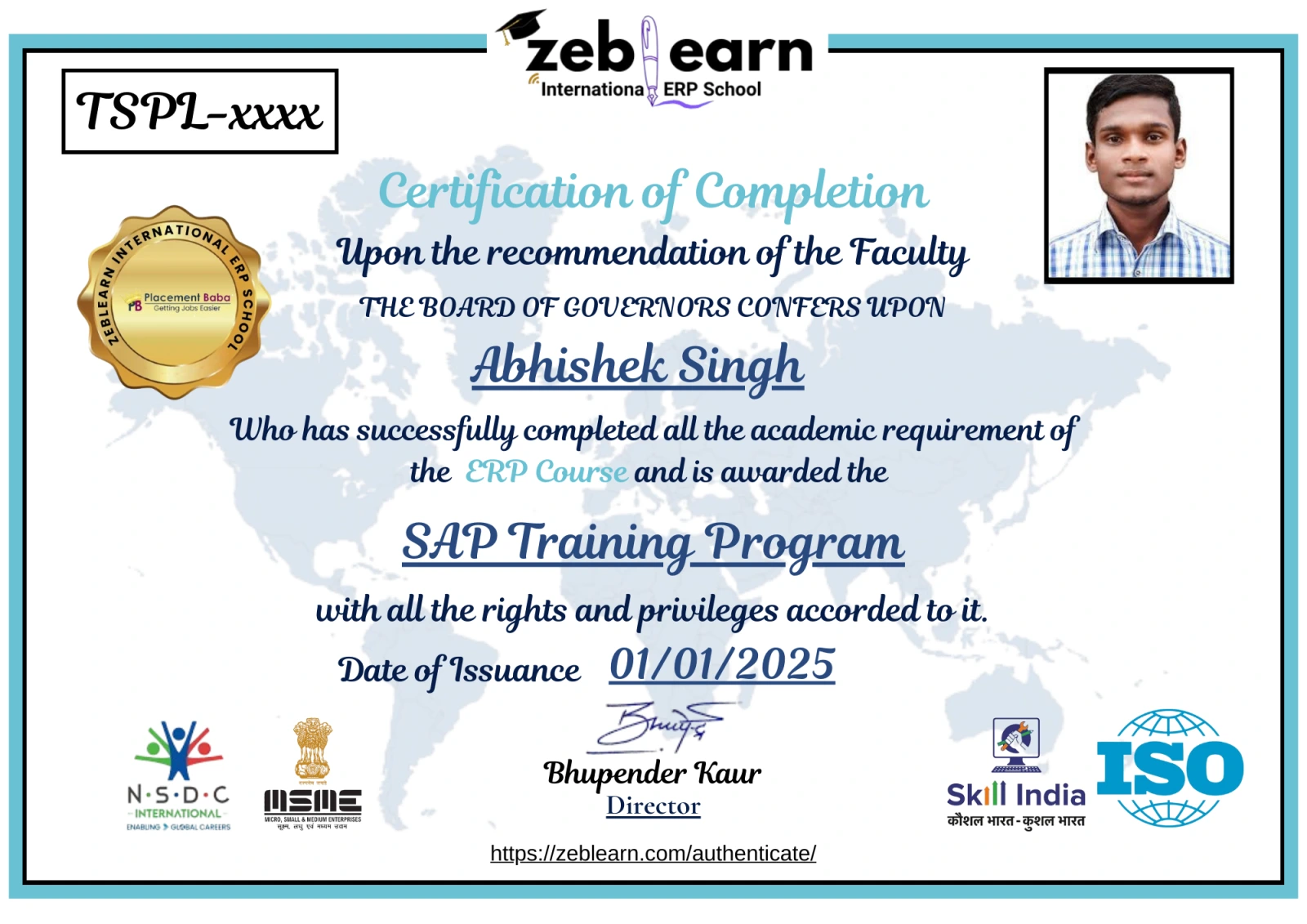
    Workday Certificate
    CAP Certified Learners

    Hear From Our Certified Learners

    Watch how CAP helped students crack exams and land global jobs.

    Video Stories

    Feedback from Our Students

    Watch how Zeblearn's programs helped students achieve their professional goals.

    Why Zeblearn

    What You Get at Zeblearn

    Zeblearn is a premier institute offering training in SAP, Workday, Data Science, Full-Stack Development, Salesforce, Machine Learning, Software Testing and more — available both online and in classroom, for students, working professionals and entrepreneurs.
    • Expert-Led Training
    • Globally Recognized Certifications
    • 100% Job Placement Support
    • Hands-On Learning
    • Flexible Learning Options
    • Affordable Course Fees
    • Career Growth Opportunities
    View Courses
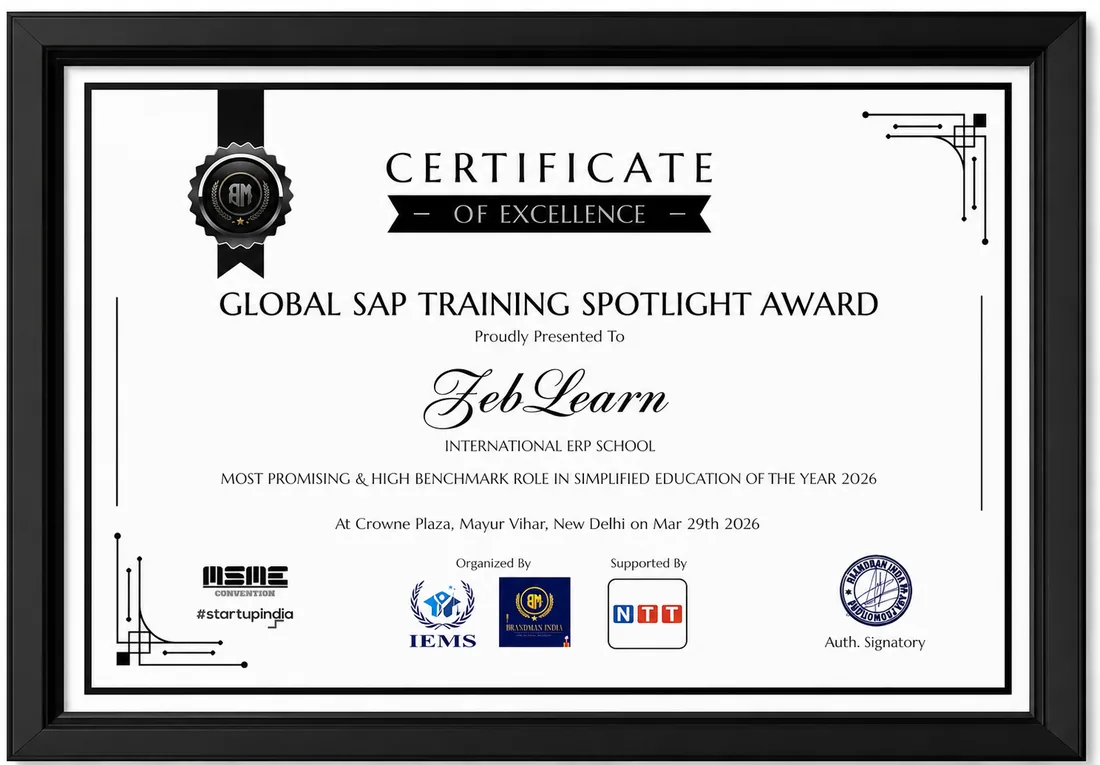
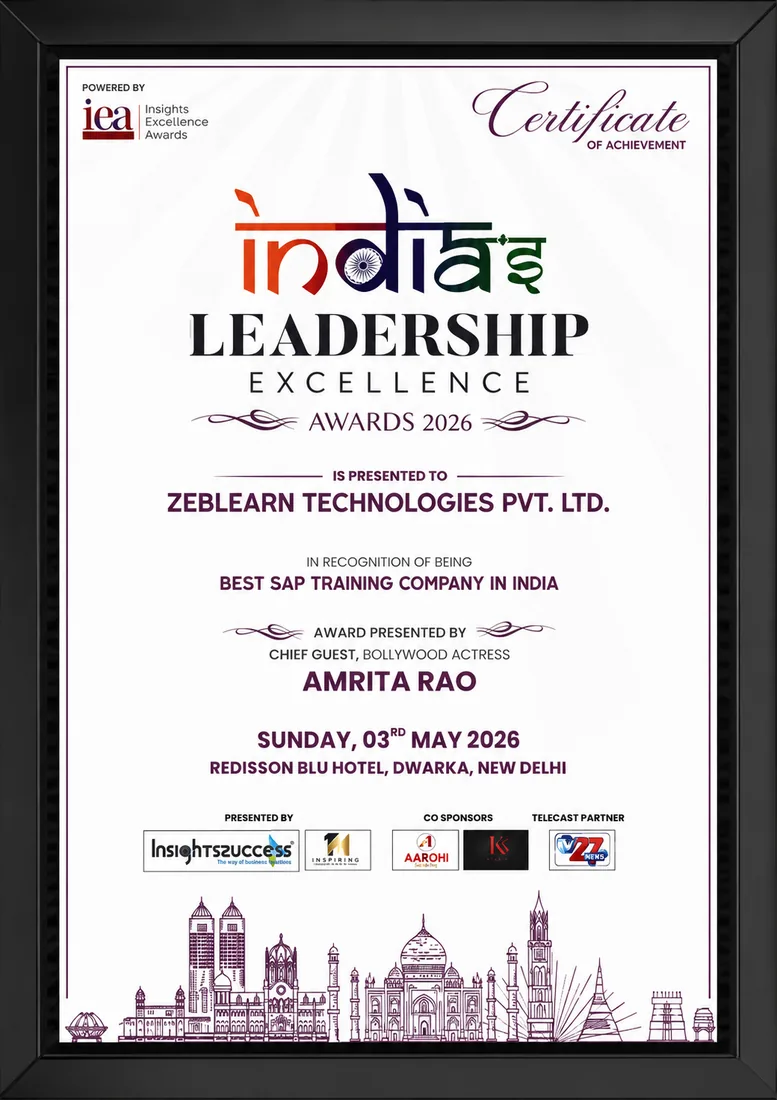
    Awards & Recognition
    Global SAP Training Spotlight Award
    India's Leadership Excellence Award 2026
    Inspiring Woman Tech Leader of the Year

    Global SAP Training Spotlight Award

    Brandman India · 2026

    Certificate
    After You Complete

    Get exclusive access to career resources upon completion

    Enroll now to receive a lifetime subscription to premium Python libraries and cloud credits. You also gain invitation to quarterly hackathons featuring industry sponsors.

    Evaluation & Practice Sessions

    Participate in expert-led mock interviews and skill evaluation sessions after program completion.

    Learning Simulation (LMS)

    Lifetime access to LMS with recorded sessions, hands-on practice, and updated learning resources.

    Career & Placement Assistance

    Resume building, profile optimization, interview preparation, and placement guidance from industry experts.

    Live Sessions

    60-Minute Free Webinar with Certificate

    Join our live sessions and earn a free certificate. Limited seats available!

    Upcoming Live Classes

    Sessions from

    Live & Open
    DateTime ISTCourse / ModuleRegister
    Loading upcoming sessions...
    Enroll Today

    Python Full Stack Developer Course for Modern Web Applications — Flexible Batches For You

    StatusDateTypeScheduleTime
    SOLD OUT 30 Aug 2026 Weekend SAT - SUN (08 Weeks) 18:00 - 20:00
    FILLING FAST 4 Sep 2026 Weekday MON - FRI (08 Weeks) 08:00 - 10:00
    AVAILABLE 9 Sep 2026 Weekend SAT - SUN (08 Weeks) 10:00 - 12:00
    Limited Time Offer

    ₹120,000

    50,000

    You save ₹70,000 Enroll Now, Pay Later

    EMI options available · No-cost study now, pay later

    FAQ

    Frequently Asked Questions

    Q: What skills does a Python Full Stack Developer acquire? A: A Python Full Stack Developer learns to create server-side logic with Django or Flask and design responsive front‑ends using HTML, CSS, and JavaScript. Q: How long does it take to become job‑ready as a Python Full Stack Developer through an online course? A: Focused, project‑driven study can produce job‑ready competence in roughly 200 guided hours of practice. Q: Can a Python Full Stack Developer deploy applications to cloud platforms? A: Yes, the curriculum includes deploying Python web apps to services such as AWS Elastic Beanstalk and Azure App Service.
    What is Python Full Stack Developer Training?

    Why is Python Full Stack Developer Training important in industry?

    What skills are learned in Python Full Stack Developer Training?

    How does Python Full Stack Developer Training work in real-world scenarios?

    What tools are used in Python Full Stack Developer Training?

    Who should learn Python Full Stack Developer Training?

    What are the main features of Python Full Stack Developer Training?

    What are common challenges in Python Full Stack Developer Training?

    What are benefits of learning Python Full Stack Developer Training?

    What career opportunities are available after Python Full Stack Developer Training?

    We use cookies to improve your experience and personalize our site. cookie policy