About the Course
What Is RISE with SAP?
RISE with SAP is a subscription offer for moving a company's ERP to the cloud. One contract bundles S/4HANA Cloud Private Edition, the cloud infrastructure it runs on, technical managed services, platform credits and tools for process and migration work. It is a way of buying and running S/4HANA, not a separate module.
The vendor first announced it in 2021, and since 2023 it has been sold in more than one package. The idea stays the same: the provider runs the servers, database and technical operations, while the company and its partners own the business processes. This RISE with SAP training teaches both sides, so you know what the customer team still has to do.
What You Can Do After This Course
- Explain what a RISE contract includes and what it leaves out.
- Compare greenfield, brownfield and selective moves for a given company.
- Map project tasks to the six SAP Activate phases.
- Read a Readiness Check result and list the work it raises.
- Split duties between the provider and the customer team.
- Explain clean core and where extensions belong.
- Plan cutover, testing and hypercare for a go-live.
- Present a move plan for a sample company in an interview.
Who Does What After the Move
| Area | Provider | Customer and Partner |
|---|
| Servers and database | Runs, patches, backs up | Chooses region and size |
| Technical operations | Monitoring, upgrades on request | Plans and tests each upgrade |
| Business processes | Supplies standard content | Designs, configures and tests |
| Users and roles | Platform security | Business roles and access |
| Own programs | Tools to check it | Fixes or retires its own programs |
The exact split is set in each contract, so projects read it closely. Getting this table wrong is a common cause of delays.
One Move in Practice: A Pune Auto Parts Group
Picture an auto parts group in Pune running an older ECC system with many custom reports. Its plants want faster closing and fewer server problems. The board signs a RISE contract with the private edition on a hyperscaler region in Mumbai.
The team runs a Readiness Check, which shows hundreds of custom programs and a few add-ons that will not work. They choose a brownfield move to keep history, retire unused code, and plan new extensions on the cloud platform instead of in the core. Testing runs in three cycles, and cutover happens over a long weekend.
In the course you plan this move step by step and present it, as a consultant would to the client.
Greenfield, Brownfield or Selective?
| Approach | What It Means | Suits |
|---|
| Greenfield | New system, processes redesigned | Firms ready to change how they work |
| Brownfield | Existing system converted with history | Firms happy with current processes |
| Selective | Chosen data and processes moved | Groups merging or splitting units |
What a Consultant Sets Up in a RISE Project
Work follows the SAP Activate phases: Discover, Prepare, Explore, Realize, Deploy and Run. In Discover and Prepare, the team checks readiness, sizes the system and agrees the move approach. In Explore, fit-to-standard workshops compare business needs with standard processes. In Realize, the system is configured, data loads are built, own code is fixed and tests run. Deploy covers cutover and go-live; Run covers hypercare and the regular upgrade cycle. Cloud ALM is often used to track the whole project.
Tools, Reports and Transaction Codes
| Tool or Code | What It Does |
|---|
| /SDF/RC_START_CHECK | Report that collects data for the Readiness Check |
| ATC | Checks custom code against S/4HANA rules |
| Software Update Manager | Runs the technical conversion |
| SPDD / SPAU | Adjust changed dictionary objects and programs after conversion |
| Migrate Your Data app | Loads data in a greenfield move |
| Cloud ALM | Plans tasks, tests and go-live readiness |
Key Terms in One Line Each
- Private Edition: a single-tenant S/4HANA system run for one company in the cloud.
- Public Edition: a shared, standardised S/4HANA cloud with fixed upgrade cycles.
- Hyperscaler: a large cloud provider whose data centres host the system.
- Technical managed services: the provider running servers, database and backups.
- Clean core: keeping the ERP close to standard and building extras outside it.
- Fit-to-standard: workshops that test business needs against standard processes.
- Readiness Check: a report on what must change before conversion.
- Cutover: the planned switch from the old system to the new one.
- Hypercare: the period of extra support right after go-live.
Prerequisites for This RISE with SAP Course
Some ERP background helps most: a functional module such as finance or logistics, Basis work, or time on an ECC or S/4HANA project. Project managers and IT leads also fit well.
You do not need coding. Freshers can follow the course, but week 1 assumes you know what an ERP does, so learn one module first if you are new to the field.
Week-by-Week Plan
| Week | Modules | By the End You Can |
|---|
| 1 | 1 RISE basics, 2 Cloud ERP editions | Explain the offer and both editions |
| 2 | 3 Platform and integration | Place extensions and interfaces correctly |
| 3 | 4 Move approaches, 5 Activate | Choose an approach and map phases |
| 4 | 6 Readiness and code | Read readiness results and plan code fixes |
| 5 | 7 Data migration | Plan data loads and checks |
| 6 | 8 Security and roles, 9 Operations | Split duties and plan upgrades |
| 7 | 10 Testing, cutover and hypercare | Build a go-live plan |
| 8 | 11 Project | Present the Pune move plan |
Practice System Access
Every session is recorded in the student portal, and labs use the project tools covered in class. Ask the team which systems and tools you can use and how long access stays open after your batch.
Live Classes or Free Videos?
Free videos explain what RISE is, but they rarely show how a real move is planned. Live classes add a trainer who reviews your move plan, answers doubts and asks the questions a client would.
How This Course Fits With Others
For deeper conversion and data work, see the S/4HANA migration course. Extensions sit on the cloud platform, which the BTP 100 course covers, and project tracking is taught in Cloud ALM training.
Course Details and Fees
| Item | Details |
|---|
| Duration | 8 weeks, 2-hour live classes |
| Batches | Weekday mornings or weekends |
| Format | Live online with a trainer, every session recorded |
| Syllabus | 11 modules, ending with a move plan project |
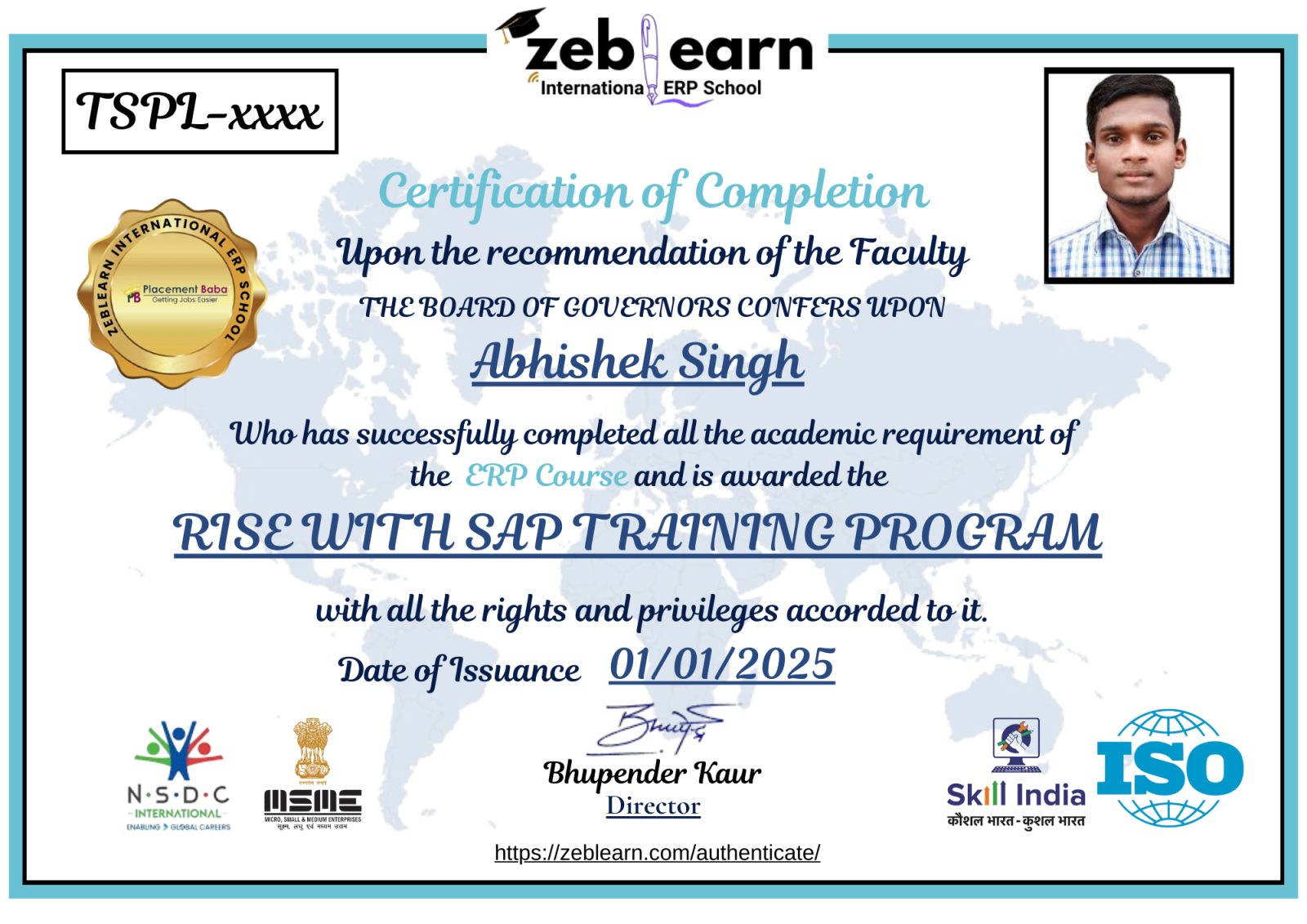
| Certificate | Zeblearn course certificate, plus exam guidance |
| Course fees | Rs 50,000, with EMI |
Not sure this course fits your background? Book a free demo class and ask the trainer.