SAP MM/FI Training for Materials and Financial Process Integration

SAP MM/FI Training examines how SAP Materials Management and Financial Accounting work together across purchasing, inventory, invoice verification, and accounting entries. The course focuses on procurement-to-payment workflows, material and vendor master data, purchase orders, goods movements, valuation, invoice posting, and the financial impact of logistics transactions. It is suited to learners seeking a practical understanding of SAP MM FICO integration in business operations.
4.9 out of 5 based on 12891 votes
google

4.8/5

sulekha

4.8/5

urbanpro

4.7/5

justdial

4.9/5

facebook

4.9/5


ISO
NSDC
Ministry of Corporate Affairs India
Skill India

Calculate Your Course Fee


By requesting here, I agree to Zeblearn's Terms & Conditions and Privacy Policy

Our Partners

Zeblearn Certification Partners

SAP MM/FI Training at ZeblearnIndia equips you with end‑to‑end material management and financial integration expertise. You will master inventory procurement using MIGO, process invoice verification with MIRO, and configure cost accounting settings in less than 120 hours of hands‑on labs.

project-management-institute
adobe
autodesk
meta
cisco
microsoft-certified-professional
information-technology-specialist
unity
intuit
apple
esrp
ic3-digital-literacy-certification
project-management-institute
adobe
autodesk
meta
cisco
microsoft-certified-professional
information-technology-specialist
unity
intuit
apple
esrp
ic3-digital-literacy-certification
Our Students Now Work At Top MNCs
8500+ Students Placed
Nishant Kaushik Placed
Nishant Kaushik
SAP MM
manideepak Upskilled
manideepak
Manager
Hari Shankar Jha Career switch
Hari Shankar Jha
Senior System Admin
alok kumar singh Upskilled
alok kumar singh
sap hcm
Jeevak Placed
Jeevak
Consultant
Abhijit S. Getme Upskilled
Abhijit S. Getme
Consultant Engineer
Kartik Singh Placed
Kartik Singh
SAP SD
Hemant Khainar Upskilled
Hemant Khainar
SAP MM Consultant
Neeraj Khanna Placed
Neeraj Khanna
SAP MM
Burna Vinay Kumar Placed
Burna Vinay Kumar
SAP SD Consultant
Shubham Placed
Shubham
SAP ABAP Consultant
Shashikant Career switch
Shashikant
Structure Engineer
Khushbu Career switch
Khushbu
Sap hcm
Nishant Kaushik Placed
Nishant Kaushik
SAP MM
manideepak Upskilled
manideepak
Manager
Hari Shankar Jha Career switch
Hari Shankar Jha
Senior System Admin
alok kumar singh Upskilled
alok kumar singh
sap hcm
Jeevak Placed
Jeevak
Consultant
Abhijit S. Getme Upskilled
Abhijit S. Getme
Consultant Engineer
Kartik Singh Placed
Kartik Singh
SAP SD
Hemant Khainar Upskilled
Hemant Khainar
SAP MM Consultant
Neeraj Khanna Placed
Neeraj Khanna
SAP MM
Burna Vinay Kumar Placed
Burna Vinay Kumar
SAP SD Consultant
Shubham Placed
Shubham
SAP ABAP Consultant
Shashikant Career switch
Shashikant
Structure Engineer
Khushbu Career switch
Khushbu
Sap hcm
Curriculum

SAP MM/FI Training, SAP Material Management course, Financial Management certification, ZeblearnIndia SAP course, SAP MM FICO combo Course Syllabus Structure

SAP MM/FI Training delivers a blended curriculum that balances theory with live SAP S/4HANA system practice. The program includes 30 real‑world case studies covering purchase order cycles, goods receipt, and period‑end financial closing.

  • This module will guide you through a comprehensive understanding of SAP. Learn about the SAP-related products, various modules in SAP, Enterprise in the SAP R/3 System.
  • Introduction to SAP
  • SAP Related Products
  • How SAP Helps in Business
  • Various Modules in SAP
  • Enterprise in the SAP R/3 System
  • Landscape SAP MM Introduction
  • Learn the basics concept of MM in this module. Know comprehensively about the basics of FI SD, basics of SD, basics of WM, and more
  • MM Enterprise Structure
  • Basics of MM
  • FI Enterprise Structure
  • Basics of FI SD
  • Enterprise Structure
  • Basics of SD
  • WM Enterprise Structure
  • Basics of WM
  • This module will guide you through the Material Master Record. Learn about the Material master customization and Vendor master record. Know about the Purchase info record and Source list record.
  • Material Master Record
  • Material Master Customization
  • Vendor Master Record
  • Purchase Info Record
  • Source List Record
  • Quota Arrangement Record
  • This module will guide you through the Procurement Process. Understand the procurement cycle and purchase requisition. Learn about the quotation maintenance, price comparison, and creation of outline agreements. Know about Purchase orders for stock, Consumable materials, and external services. Get a comprehensive knowledge about the number ranges of document types and screen layout at the document level.
  • Details Understanding of Procurement Cycle
  • Purchase Requisition
  • Creation of Request for Quotation
  • Quotation Maintenance
  • Price Comparison
  • Creation of Outline Agreements
  • Purchase Order for Stock
  • Purchase Order for Consumable Materials
  • Purchase Order for External Services
  • Document Types
  • Define Number Ranges for Document Types
  • Define Screen Layout at Document Level
  • This module will guide you through the purchase order scenarios. SAP MM Course Syllabus: Learn about the return PO, free items in PO, pre-closure of PO & PR, hold PO, park PO, Freight Vendor, and list of open PO’s
  • Return PO
  • Free Items in PO
  • Pre-closure of PO & PR
  • Hold PO
  • Park PO
  • Freight Vendor
  • List of Open PO’s
  • This module will guide the valuation of material, material price change, account determination, FI-MM Integration, and more
  • Valuation of Material (Standard/Moving Average Price)
  • Material Price Change
  • Account Determination
  • FI-MM Integration
  • This module will guide you through Inventory Management. Learn about the material movement type, material document, accounting SAP MM Course Syllabus: document, valuated good receipt & various scenarios. Know about Transfer posting & various scenarios, reservation, and physical inventory
  • Material Movement Type
  • Material Document, Accounting Document
  • Valuated Good Receipt & Various Scenarios
  • Valuated Goods Issue & Various Scenarios
  • Transfer Posting & Various Scenarios
  • Reservation
  • Physical Inventory
  • This module will guide you through Invoice Verification. Learn how to post vendor invoices. Know the three-way invoice verification and two-way invoice verification. Gain Knowledge about Debit/Credit memo, Invoice Verification, subsequent debit & credit, Park Invoice, Block Invoice, release invoice.
  • How to Post Vendor Invoice (LIV-Logistics Invoice Verification)
  • Three-Way Invoice Verification
  • Two-Way Invoice Verification
  • Debit/Credit Memo
  • Invoice Verification
  • Subsequent Debit
  • Subsequent Credit
  • Invoice for Planned Costs
  • Invoice for Unplanned Costs
  • Park Invoice
  • Block Invoice
  • Release Invoice
  • This module will guide you through the Special Procurement Process. Learn comprehensively about the Consignment Procurement. Know about the stock transport order, subcontracting, RTP, Service procurement, import, and third-party processing.
  • Consignment Procurement
  • Pipeline Procurement
  • Stock Transport Order
  • Subcontracting
  • RTP
  • Service Procurement
  • Import
  • Third-Party Processing
  • Learn about various concepts of stock transfer in this module. Gain comprehensive knowledge about One step stock transfer and two-step stock transfer
  • Concept of Stock Transfer
  • One-Step Stock Transfer
  • Two-Step Stock Transfer
  • This module will guide you through the Release Strategy in SAP MM. Know various concepts of release procedures and types of the release procedures. Learn to create characteristics and create class to define release procedure
  • Concept of Release Procedure
  • Types of Release Procedure
  • Create Characteristics
  • Create Class
  • Define Release Procedure
  • This module will guide you through the PO pricing procedures. Learn about calculation schema, Condition type, and access sequence
  • Calculation Schema
  • Pricing Procedure
  • Condition Type
  • Access Sequence
  • This module will guide you through various concepts of split valuation. Learn about different valuation types, valuation categories and creation of material
  • Concept of Split Valuation
  • Valuation Types
  • Valuation Categories
  • Creation of Material with Respect to Split Valuation
  • This module will help the candidate to know about the various concepts of MRP such as Plant parameters, MRP group, MRP type, MRP controllers. Know how to create material in MRP views and generate planned orders
  • Concept of MRP
  • Plant Parameters
  • MRP Group
  • MRP Type
  • MRP Controllers
  • Creation of Material in MRP Views
  • Generating Planned Orders/Purchase Requisitions
  • This module will guide you through various concepts of split valuation. Learn about different valuation types, valuation categories and creation of material
  • Concept of Split Valuation
  • Valuation Types
  • Valuation Categories
  • Creation of Material with Respect to Split Valuation
  • This module will guide you through various concepts of split valuation. Learn about different valuation types, valuation categories and creation of material
  • Concept of Split Valuation
  • Valuation Types
  • Valuation Categories
  • Creation of Material with Respect to Split Valuation
  • Run Reports
  • Run PO, GR, IV Inquiry Screens
  • ERP Packages
  • Introduction to SAP
  • Functions and Objectives of MM
  • SAP Login
  • SAP Sessions
  • SAP Screens
  • Features of SAP Navigation
  • Company
  • Company Code
  • Controlling Area
  • Plant
  • Storage Location
  • Purchase Organization
  • Purchasing Group
  • Material Types
  • Material Groups
  • Assignment of Number Ranges to Material Types
  • Creation of Materials Master
  • Change and Display of Material Master
  • Vendor Account Group
  • Number Ranges
  • Assignment of Number Ranges to Vendor Account Groups
  • Creation of Vendor Master One-Time Vendor
  • Movement Types
  • Goods Receipt Scenarios
  • Creation of GR
  • Cancel GR
  • Reservation
  • Creation of Reservation
  • Creation of GI with Reference to Reservation
  • Goods Issue
  • Transfer Postings
  • Number Range for Purchase Order
  • Create/Change/Display PO
  • PO with Reference to PR/Quotations/Contract
  • Service PO
  • Planned Order Creation/Purchase Requisition Creation
  • Planned Order Conversion
  • Purchase Info Record
  • Number Ranges for Info Record
  • Creation of Info Record
  • Change and Display of Info Record
  • Source Determination & Source List
  • Quota Arrangement
  • Order Creation
  • Order Release
  • Goods Issue
  • Order Confirmation
  • Goods Receipt
  • Order Closure
  • Maintain Condition Tables
  • Define Access Sequence
  • Define Condition Types
  • Define Calculation Schema
  • Define Schema Group
  • Define Schema Determination
  • Determine Calculation Schema for Standard Purchase Orders
  • Comparison of Quotations (Max. & Min. Price)
  • Use of Collective Number for Comparison
  • Number Range for PR
  • Define Document Type
  • Requisition or Tracking Number
  • Source Determination
  • Assignment of Source
  • Number Range for RFQs
  • Define New Document Type
  • Create/Change/Display RFQ/Print RFQ
  • Goods Issue
  • Collective & Partial Deliveries
  • Order Combinations
  • Delivery Split Criteria
  • Billing Split Criteria
  • Goods Reversal & Returns Deliveries
  • Subsequent Deliveries
  • Stock Transfer (Storage Location to Storage Location)
  • Stock Transfer & Returns
  • Overview of Delivery Function
  • Listing & Exclusion
  • Material Determination
  • Availability Check & Transfer of Requirement (TOR)
  • Delivery/Transportation Scheduling
  • Forward Scheduling / Backward Scheduling
  • Batch Management (Allocation of Stock in Batches)
  • Serial Number Management
  • Registration of Means of Transportation
  • Overview of Picking
  • Manual Picking
  • Wave Picking
  • Picking Process Integration with Warehouse Management (WM)
  • Packing Master Data
  • Stock Posting of Packaging Material
  • SSCC Numbers
  • Handling Unit Management
  • Manual/Single Level Packing
  • Automatic Packing
  • Packing Proposal (Packing Instructions)
  • Packing Proposal (Determination Rules)
  • Returnable Packaging
  • Emptying & Deleting Handling Unit
  • Overview of Status Tracking
  • Delivery Monitor & Benefits
  • Overview of Shipment Document
  • Stages in Shipment Process
  • Route Determination
  • Creation of Stages
  • Determine Preliminary
  • Main & Subsequent Legs
  • Determine Load Transfer Point
  • Creation of Shipments
  • Individual & Collective Shipment
  • Shipment Cost Settlement
  • Define Company
  • Edit, Copy, Delete, Check Company Code
  • Define Business Area
  • Maintain Consolidation Business Area
  • Define Credit Control Area
  • Assign Company Code to Company
  • Assign Company Code to Credit Control Area
  • Assign Business Area to Consolidation Area
  • Maintain Fiscal Year Variant (Maintain Shortened Fiscal Year)
  • Assign Company Code to a Fiscal Year Variant
  • Define Variants for Open Posting Periods
  • Open and Close Posting Periods
  • Assign Variants to Company Code
  • Define Document Types
  • Define Field Status Variants
  • Define Tolerance Groups for Employees
  • Finalization of Books of Accounts
  • Edit Chart of Accounts List
  • Assign Company Code to Chart of Accounts
  • Define Account Group
  • Define Retained Earnings Account
  • Create G/L Accounts
  • G/L Account Posting
  • View G/L Wise Balances
  • View Document
  • Create Number Ranges for Sample Document
  • Create Sample Document Template
  • Post G/L Account with the Reference of Sample Document
  • Sample Document Changes
  • Display Sample Documents
  • Display Sample Document Changes
  • Create Hold Document
  • View Hold Document
  • Release a Hold Document
  • Create Parking Document
  • Edit Parking Document
  • Display Parking Documents
  • Parking Document Header Data Changes
  • Parking Document Display Changes
  • Send Parking Documents to Authorized Persons
  • View Inbox
  • Release Parking Documents
  • Create Number Ranges for Recurring Documents
  • Create Recurring Document Template
  • Change Recurring Documents
  • Display Recurring Document
  • Display Changes of Recurring Document
  • Overview of Recurring Documents
  • Execute/Run the Recurring Document
  • View Document
  • Individual Reversal
  • Mass Reversal
  • Reversal of Reversal
  • Create G/L Accounts
  • Provision for Salaries (Liability)
  • Salaries A/C (Expenses)
  • Postings
  • Salary A/C
  • Provision A/C
  • Create Number Ranges for Payments
  • Tolerance Groups for G/L Accounts
  • Clearing the Provision A/C or G/L Outgoing Payments
  • View the G/L Wise Balances
  • Create G/L Accounts
  • Provision for Commission (Asset)
  • Commission Received (Income)
  • Postings to Provision A/C
  • Provision A/C
  • Commission A/C
  • Create Number Ranges for Incoming Payments
  • Clear the Provision A/C or G/L Incoming Payments
  • View the G/L Wise Balances
  • Create Two G/L Accounts
  • Bank Loan A/C
  • Interest Paid A/C
  • Define Interest Paid Calculation Type (Simple/Compound)
  • Prepare Account Balance Interest Calculation
  • Define Reference Interest Rate
  • Define Time-Dependent Terms
  • Enter Interest Values
  • G/L Account for Balance Interest Calculation
  • Take Loan from Bank
  • Interest Calculation Run
  • View the Document Posted
  • View the G/L Wise Balances
  • Define Currency Exchange Type
  • Define Currency Exchange Ratios
  • Define Exchange Rates
  • Assign Currency Exchange Type
  • Post Documents in Foreign Currency
  • Define Currency Exchange Type
  • Define Currency Exchange Ratios
  • Define Exchange Rates
  • Assign Currency Exchange Type
  • Post Documents in Foreign Currency
  • Create Customer Account Groups
  • Create No. Ranges for Customer Account Groups
  • Assign No. Ranges to Customer A/C Groups
  • Create G/L A/Cs
  • Sales A/C (Incomes)
  • Sundry Debtors A/C (Assets)
  • Create Customer Master Data
  • Create No. Ranges for Invoice Posting
  • Sales Invoice Posting
  • View G/L Wise Balances
  • View Customer Wise Balance
  • Create Tolerance Groups for Customers
  • Incoming Payments
  • Define Terms of Payment
  • Create G/L Account
  • Assignments
  • Assign Terms of Payments to Customers
  • Assign Automatic Postings to Cash Discount A/C
  • Sales Invoice Posting
  • Incoming Payments from Customers
  • To view G/L wise balances
  • To view Customer wise balance
  • Define Dunning Process
  • Assign Dunning Process to Customers
  • Sales Invoice
  • Execute the Dunning Program
  • Create Vendor Account Groups
  • Create Number Ranges for Vendor Accounts
  • Assign Number Ranges to Vendor Account Groups
  • Create Two G/L Accounts
  • Sundry Creditors (Liabilities)
  • Purchase Account (Expenses)
  • Creation of Vendor Master Data
  • Purchase Invoice Posting
  • Outgoing Payments
  • To View Vendor wise Balances
  • Manual check creation
  • To view check register
  • Check encashment date updating
  • To create new void reason
  • Unused check cancellation
  • Check encashment date deletion
  • Used check cancellation
  • G/L A/C for Bank charges
  • Account assignment (Automatic Updating)
  • Purchase invoice
  • Payments
  • Check balances in Bank Charges A/C
  • Define terms of payments for vendors
  • Create G/L A/C for cash discount received (incomes)
  • Assign terms of payment to vendors
  • Purchase invoice postings
  • Outgoing payments to vendors
  • G/L wise balances display
  • Vendor wise balances display
  • All company codes
  • Paying company codes
  • Payment method in country
  • Payment method in company code
  • Bank determination
  • House bank
  • Automatic payment program run
  • Copy Print Program to Company Code
  • Request Generate
  • View the Correspondence or Take the Statements
  • Define Sales and Purchase Tax
  • Assign Tax Codes to Sales Accounts
  • Create G/L Account for Sales/Purchase Tax Payable
  • Assign Taxes to Automatic Postings
  • Sales Invoice Posting
  • Purchase Invoice Postings
  • Down Payments from Customers (Liabilities)
  • Down Payments to Vendors (Assets)
  • Bills of Exchange
  • Create Down Payments from Customer A/C (Liability)
  • Link Between Down Payments and Sundry Debtors
  • Down Payments Received from Customers
  • Sales Invoice Postings
  • Incoming Payment
  • Create Down Payments to Vendors A/C (Asset)
  • Link Between Down Payments and Sundry Creditors
  • Advance Made to Vendors
  • Purchase Invoice
  • Transfer Special G/L A/Cs to Normal G/L A/Cs
  • Outgoing Payments
  • Creation of House Bank
  • Creation of Check Lots
  • Manual Check Payments
  • To View Check Book
  • Create G/L Accounts
  • Bills of Exchange (Asset)
  • Bank Bill Discount Account (Liability)
  • Bill Discount Charges Account (Expenses)
  • Link between Bills of Exchange and Sundry Debtors
  • Bank Sub Accounts
  • Automatic Postings
  • Sales Invoice Postings
  • Bills Received
  • Bank Bill Discounting
  • Clearing the Invoice
  • Copy Chart of Depreciation
  • 0% Tax on Sales/Purchases
  • Assign 0% Tax to Non-Taxable Accounts
  • Assign Chart of Depreciation to Company Codes
  • Specify the Account Determination (SPRO-FA-AA-OS-ASSET CLASSES- Specify the Account Determination)
  • Screen Layout Rules (SPRO-FA-AA-OS-ASSET CLASSES- Screen Layout Rules)
  • Define Number Range Intervals
  • Define Asset Classes
  • Create G/L Accounts for Asset Accounting
  • Plant & Machinery Account [Asset]
  • Accumulation Plant & Machinery Account [Liability]
  • Asset Sales Account [Income]
  • Profit Sale of Assets [Income]
  • Loss Sale of Assets [Expenses]
  • Loss Due to Scrap [Expenses]
  • Depreciation Account [Expenses]
  • Determine Depreciation to Asset Classes
  • Assignment of G/L Accounts to Automatic Postings
  • Number Ranges for Depreciation (or Specify the Document Type)
  • Specify the Intervals & Posting Rules
  • Specify Rounding Net Book Value/Depreciation
  • Define Screen Layout for Asset Master Data [SPRO-FA-AA-Master Data-Screen Layout- Define Screen Layout for Asset Master Data]
  • Define Screen Layout for Asset Depreciation Area
  • Define Depreciation Key
  • Maintain Period Control Method
  • Create Sub Asset Master Data
  • Asset Purchases
  • Asset Exploration
  • Depreciation Run
  • Transfer of Assets
  • Asset Scrapping
  • Sales of Assets
  • Introduction to SAP Controlling
  • Become an SAP FICO Consultant
  • Prepare for SAP CO and SAP FI Certification Exams
  • Controlling Basic Settings
  • Cost Element Accounting
  • Cost Center Accounting
  • CO Integration with Production Planning
  • BOM, Routing, Work Center MRP Run
  • Multi-level Product Cost Controlling
  • Unit Cost Estimate
  • Product Cost Planning with Quantity Structure
  • CO-PA Profitability Analysis
  • Account-Based COPA
  • Costing-Based COPA
  • Internal Orders
  • Profit Center Accounting
  • Product Cost by Order
  • Work in Process Calculation
  • Variance Calculation
  • Settlement
  • Actual Costing with Material Ledger
  • Beyond Learning

    We empower you with skills that land your dream job.

    By requesting here, I agree to Zeblearn's Terms & Conditions and Privacy Policy

    FREE
    SAP MATERIAL MANAGEMENT AND FINANCIAL MANAGEMENT (SAP MM/FI) TRAINING
    SELF ASSESSMENT

    SAP MM/FI Training validates your ability to integrate material management with financial accounting. The assessment includes a 30‑question simulation covering goods receipt, invoice verification, and period‑end closing.

    Take Free Practice Test
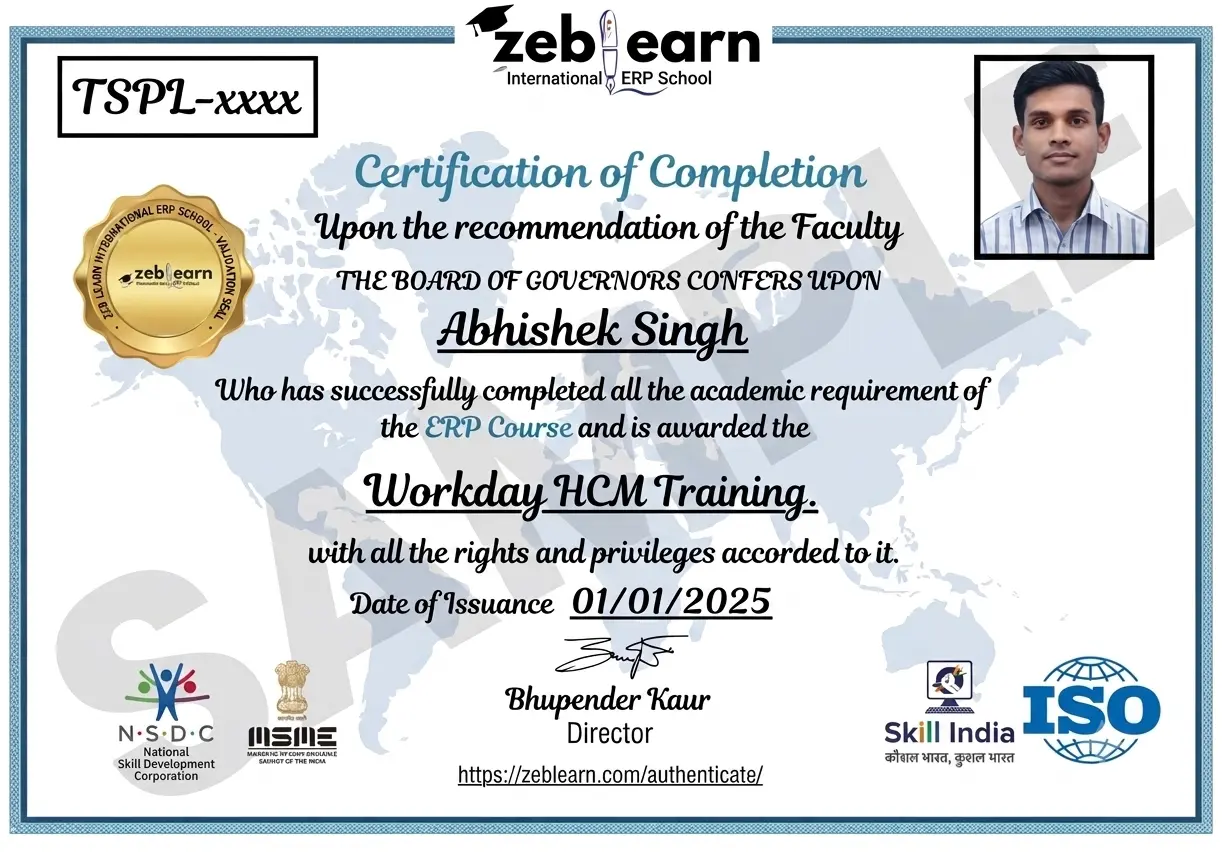
    Workday Certificate
    CAP Certified Learners

    Hear From Our Certified Learners

    Watch how CAP helped students crack exams and land global jobs.

    Video Stories

    Feedback from Our Students

    Watch how Zeblearn's programs helped students achieve their professional goals.

    Why Zeblearn

    What You Get at Zeblearn

    Zeblearn is a premier institute offering training in SAP, Workday, Data Science, Full-Stack Development, Salesforce, Machine Learning, Software Testing and more — available both online and in classroom, for students, working professionals and entrepreneurs.

    • Expert-Led Training
    • Globally Recognized Certifications
    • 100% Job Placement Support
    • Hands-On Learning
    • Flexible Learning Options
    • Affordable Course Fees
    • Career Growth Opportunities
    View Courses
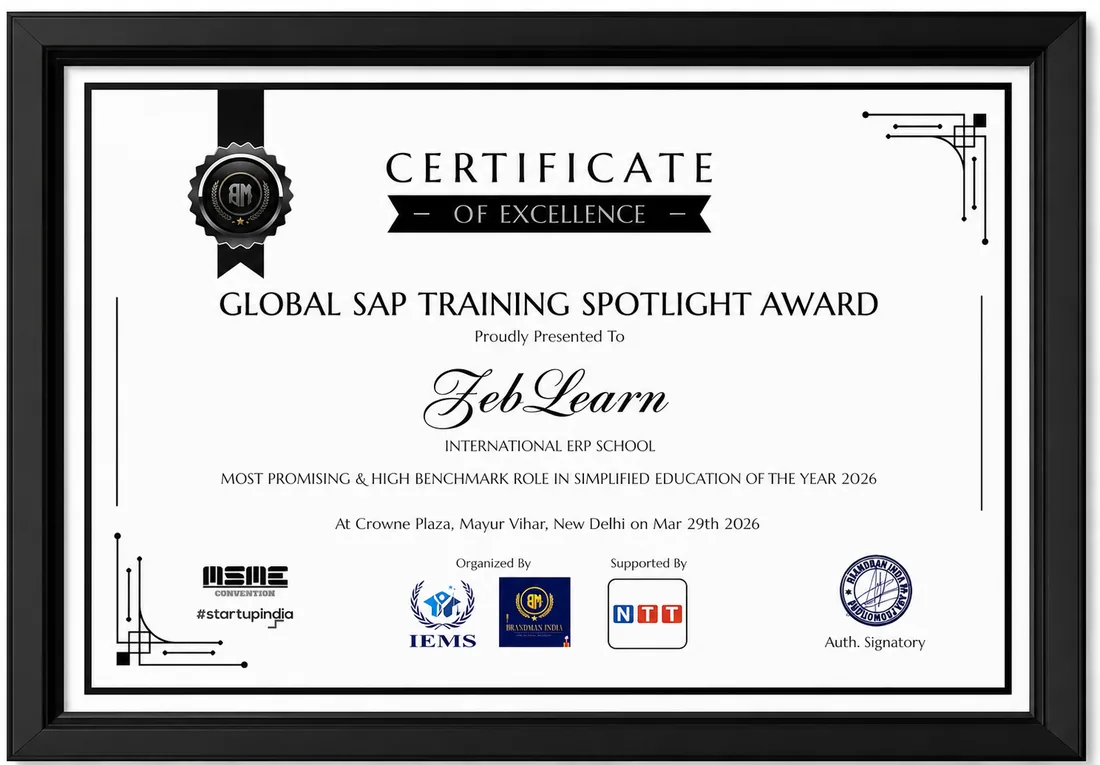
    Awards & Recognition
    Global SAP Training Spotlight Award
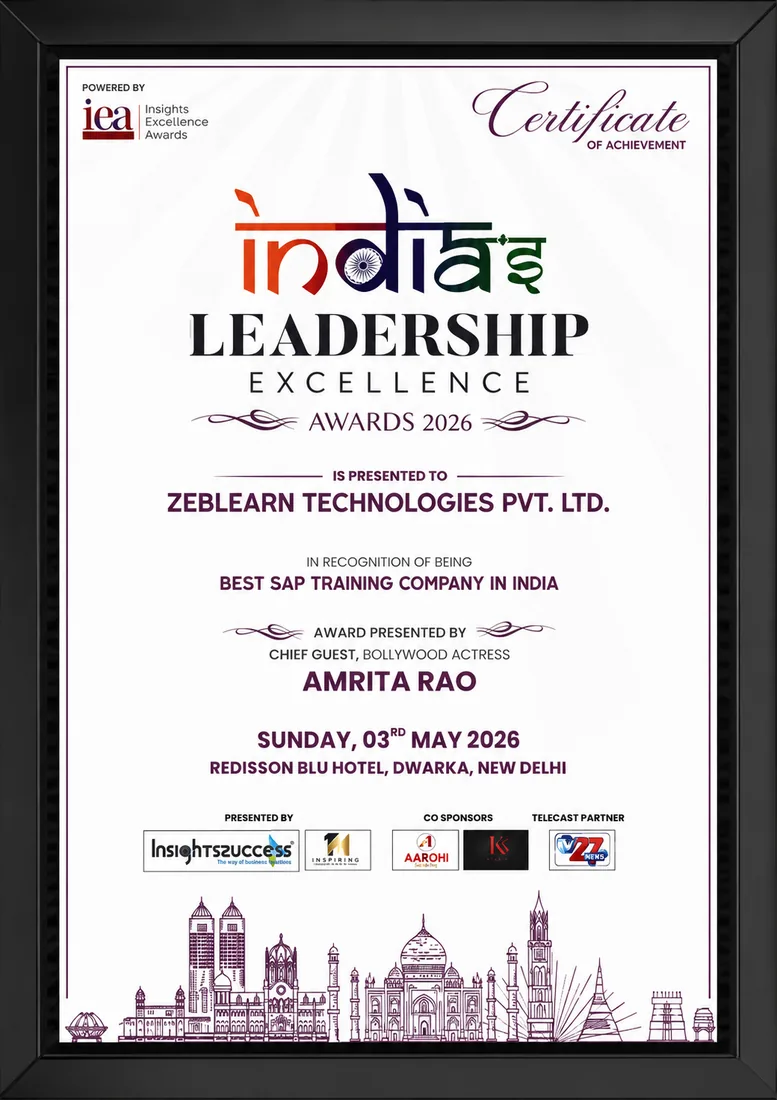
    India's Leadership Excellence Award 2026
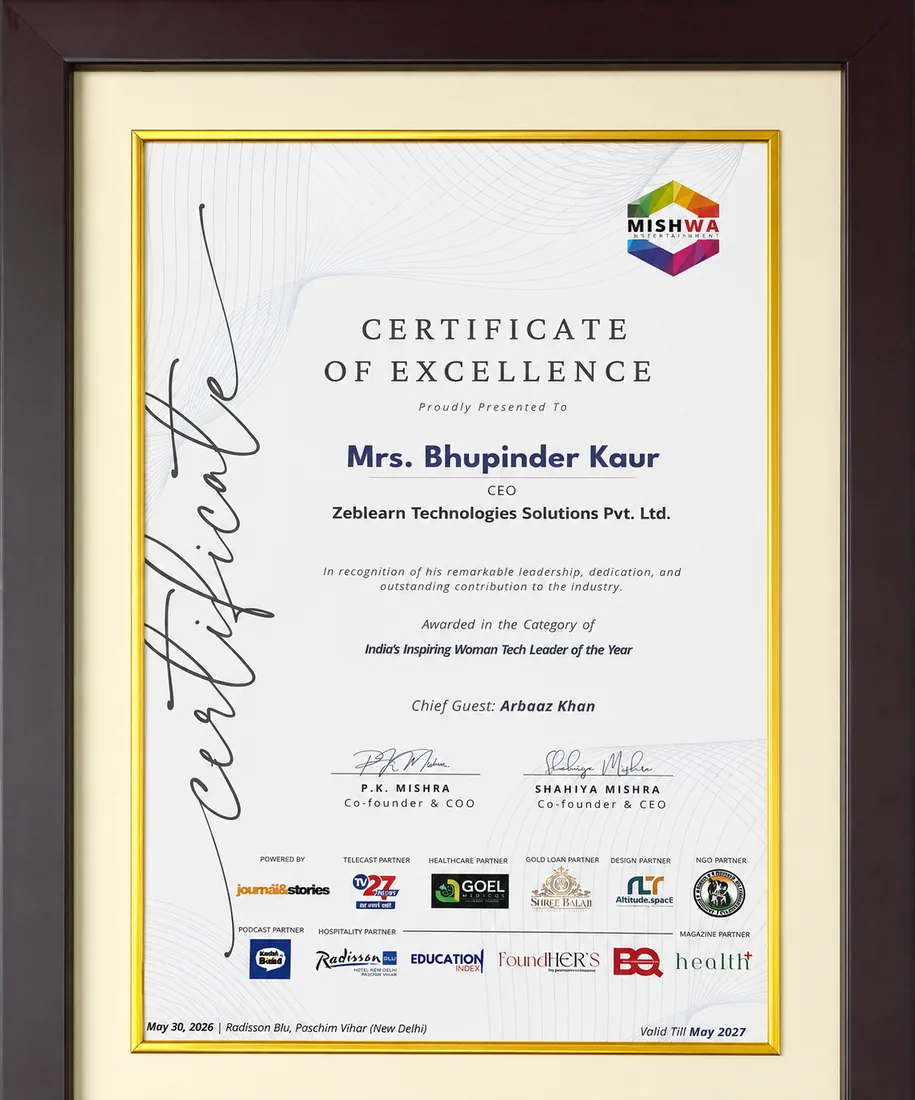
    Inspiring Woman Tech Leader of the Year

    Global SAP Training Spotlight Award

    Brandman India · 2026

    Certificate
    After You Complete

    Get exclusive access to career resources upon completion

    SAP MM/FI Training at ZeblearnIndia includes exclusive access to a certified SAP FICO mentor. The mentorship covers 15 one‑on‑one sessions focused on complex stock valuation and period‑end closing.

    Evaluation & Practice Sessions

    Participate in expert-led mock interviews and skill evaluation sessions after program completion.

    Learning Simulation (LMS)

    Lifetime access to LMS with recorded sessions, hands-on practice, and updated learning resources.

    Career & Placement Assistance

    Resume building, profile optimization, interview preparation, and placement guidance from industry experts.

    Live Sessions

    60-Minute Free Webinar with Certificate

    Join our live sessions and earn a free certificate. Limited seats available!

    Upcoming Live Classes

    Sessions from

    Live & Open
    DateTime ISTCourse / ModuleRegister
    Loading upcoming sessions...
    Enroll Today

    SAP MM/FI Training for Materials and Financial Process Integration — Flexible Batches For You

    StatusDateTypeScheduleTime
    SOLD OUT 30 Aug 2026 Weekend SAT - SUN (08 Weeks) 18:00 - 20:00
    FILLING FAST 4 Sep 2026 Weekday MON - FRI (08 Weeks) 08:00 - 10:00
    AVAILABLE 9 Sep 2026 Weekend SAT - SUN (08 Weeks) 10:00 - 12:00
    Limited Time Offer

    ₹120,000

    75,000

    You save ₹45,000 Enroll Now, Pay Later

    EMI options available · No-cost study now, pay later

    FAQ

    Frequently Asked Questions

    Q: What topics does SAP MM/FI Training cover? A: SAP MM/FI Training covers material procurement, inventory control, financial accounting, and cost management processes. Q: How many instructional hours are typical for SAP MM/FI Training? A: Most learners achieve functional proficiency within 120 hours of focused SAP MM/FI Training.

    SAP MM FI training by ZebLearn includes real-time implementation, certification preparation, and practical industry use cases. It covers certification cost, salary trends, and career scope in 2026 with SEO-focused learning content.

    In enterprises, SAP MM FI is used for automation, analytics, financial processes, or HR operations depending on the module. ZebLearn explains real-time project scenarios and workflows.

    SAP MM FI includes advanced configuration, integrations, analytics, and automation features. ZebLearn provides hands-on training with real-world applications.

    SAP MM FI is compared with other SAP modules based on functionality, integration, and business use cases. ZebLearn explains differences with practical examples.

    Skills include configuration knowledge, business understanding, integration, and troubleshooting. ZebLearn builds these through structured learning.

    The lifecycle includes requirement analysis, configuration, testing, deployment, and support. ZebLearn explains each step with real project flow.

    Challenges include integration issues, performance problems, and configuration errors. ZebLearn provides solutions and best practices.

    SAP MM FI is used for automation, optimization, compliance, and analytics across industries. ZebLearn shares real-world use cases.

    Career roles include consultant, analyst, and specialist with strong salary growth. ZebLearn explains job demand and career paths.

    ZebLearn provides a roadmap: fundamentals → advanced → projects → certification → interview preparation.

    We use cookies to improve your experience and personalize our site. cookie policy