About the Course
What Is Analytics Cloud Used For?
Most companies have plenty of data but struggle to use it. Sales numbers sit in the ERP system, targets sit in spreadsheets, and the monthly review takes a week of copying and pasting. Analytics Cloud, often called SAC, brings these jobs into one browser-based tool.
It does three things. It shows data in stories and dashboards. It lets teams build budgets and forecasts with planning models. It uses built-in machine learning to point out trends and predict results. SAP Analytics Cloud training teaches all three, and how they share the same data models.
The Project: A Distributor's Dashboard, Budget and Forecast
An FMCG distributor in Kolkata supplies 2,000 shops across East India. In SAP Analytics Cloud training you build its analytics. You import sales and stock data, clean it, and build a model with products, regions and months. You design a sales story with a map of regions, a top-ten product chart and filters for the area managers. Next, you build a planning model for next year's budget: each region enters its numbers, and a data action spreads head-office costs across them. Smart Predict forecasts monthly demand for the top products. Finally, you put the key pages into a board presentation for the managing director.
The Three Sides of Analytics Cloud
| Area | What You Do With It |
|---|
| Business intelligence | Build stories, dashboards and reports from live or imported data |
| Planning | Create budgets and forecasts, compare versions, run data actions |
| Augmented analytics | Let Smart Insights and Smart Predict find patterns and forecast |
| Analytic applications | Build guided dashboards with buttons and simple scripts |
| Administration | Manage users, roles, data access and performance |
What SAP Analytics Cloud Training Covers
Data and Models
SAP Analytics Cloud training starts with data. You learn when to use a live connection and when to import, how to clean data in the wrangling screen, and how to build models with dimensions, measures and hierarchies. A good model makes every later story faster and more accurate, and modeling is the biggest Analytics Cloud certification topic.
Stories That People Use
Next you design stories. You choose the right chart for each question, add calculations and filters, link charts so one click updates the page, and follow simple design rules so a manager can read the dashboard in seconds. You also build an analytic application with basic scripting, which Analytics Cloud certification touches too.
Planning, Prediction and Control
The final part of SAP Analytics Cloud training covers planning models, versions, data entry, allocations and data actions, then Smart Insights and Smart Predict, then users, roles, data access control, the Digital Boardroom and the mobile app.
SAP Analytics Cloud Training Plan, Week by Week
| Week | Focus |
|---|
| 1 | The tool, files and sharing, data sources |
| 2 | Connections, data wrangling and models |
| 3 | Story design, charts and calculations |
| 4 | Advanced stories and analytic applications |
| 5 | Planning models, versions and data entry |
| 6 | Data actions, allocations and the planning calendar |
| 7 | Smart Insights, Smart Predict and security |
| 8 | Digital Boardroom, distributor project and interviews |
Where Analytics Cloud Gets Its Data
Analytics Cloud is only as good as the data behind it. In many companies that data comes from S/4HANA, a BW system or a cloud data warehouse. Knowing how these sources work, a common Analytics Cloud certification theme, helps you choose live or import connections and avoid slow dashboards.
If your company is building a modern data layer, the Datasphere course is a natural next step after SAP Analytics Cloud training. For teams still on classic warehouses, the BW course explains the source side.
Planning Goes Deeper
Planning is often the part that leads to consulting work and to tricky Analytics Cloud certification questions, because finance teams need budgets that tie back to their ERP data. If you want to go further on this side, the S/4HANA integrated planning course builds on what you learn here.
Is This Online Course Right for You?
SAP Analytics Cloud training suits beginners with basic Excel skills as well as BI developers, finance planners and ERP consultants. No coding is needed for most of the course; the short scripting part starts from zero. Every class is a live online session with a trainer, and each one is recorded.
When comparing an online SAP Analytics Cloud training option with other dashboard courses or job-oriented courses, check that it covers planning, predictive features and Analytics Cloud certification preparation, not only charts. SAP Analytics Cloud training covers all three, and the course fees are shown below with EMI.
SAP Analytics Cloud Training and Analytics Cloud Certification
The official exam is the Data Analyst Analytics Cloud certification, code C_SAC. It is an associate-level exam that checks stories, data modeling, connections, planning and augmented analytics. Older versions had codes such as C_SAC_2421.
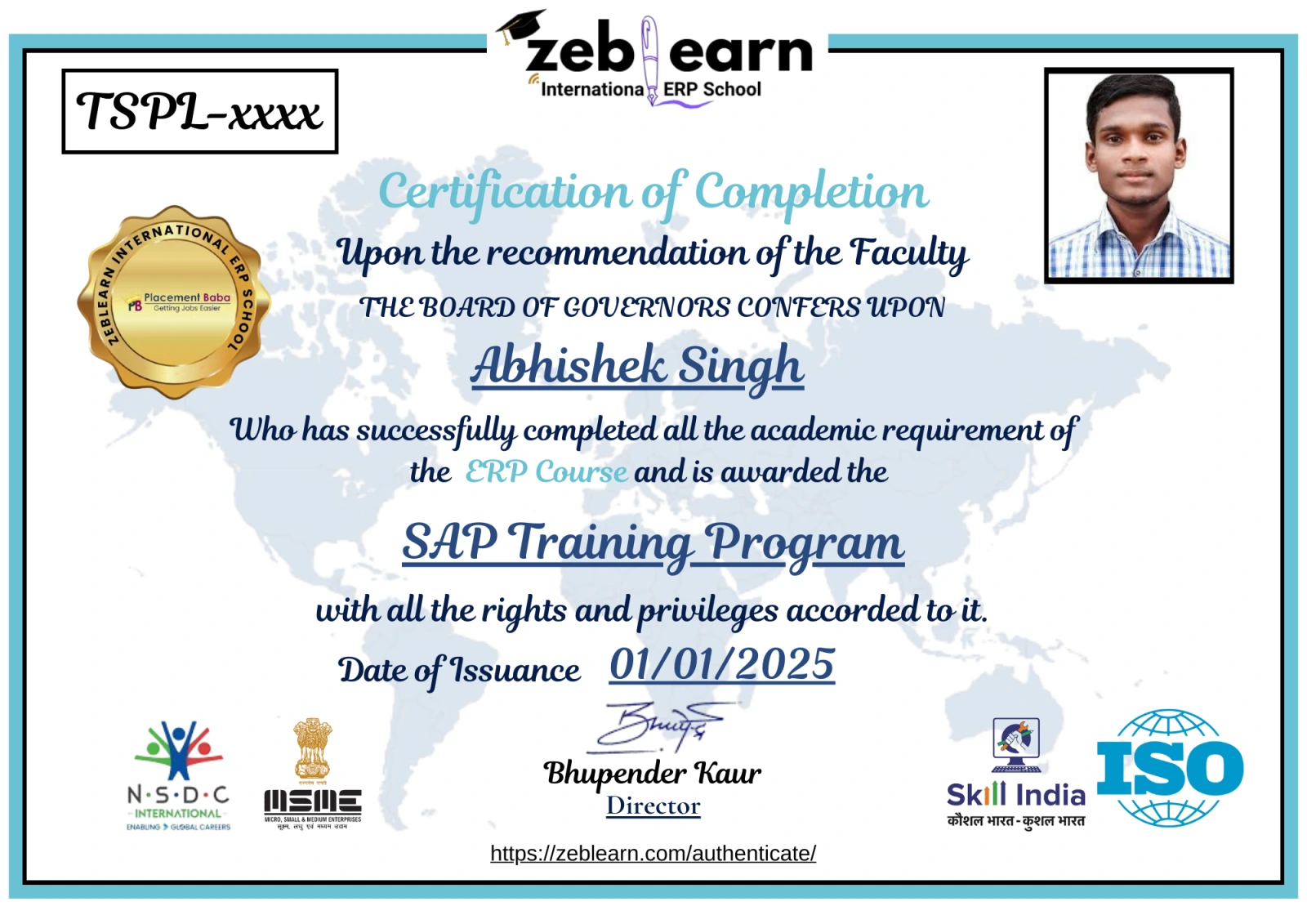
SAP Analytics Cloud training covers these Analytics Cloud certification topics. You also receive a Zeblearn course certificate when you finish SAP Analytics Cloud training, a good step towards Analytics Cloud certification.
Build, Show, Improve
Each week you show your story to the class as if they were the sales team, and they tell you what was unclear. Learning to design for the reader, not for yourself, is what makes a dashboard get used, and scenario questions in Analytics Cloud certification test the same judgement.
Who Should Take SAP Analytics Cloud Training?
SAP Analytics Cloud training suits:
- Data and MIS analysts who build reports today in Excel
- BI developers moving from older reporting tools
- Finance planners who run budgets and forecasts
- ERP consultants who want to add reporting and planning skills
- Graduates aiming for a data analyst career
- Analysts planning Analytics Cloud certification who want a full project first
Course Details and Fees
| Item | Detail |
|---|
| Duration | 8 weeks of 2-hour live online classes |
| Modules | 7 |
| Batches | Weekday or weekend |
| Format | Trainer-led online training, recorded |
| Course fee | ₹75,000, with EMI |
| Certificate | Zeblearn certificate, plus exam guidance |
Building reports, budgets or forecasts at work? Book a free call with the Zeblearn team about SAP Analytics Cloud training and Analytics Cloud certification.