Pro E and Creo Training for Parametric CAD Design

This Pro E and Creo training page focuses on building parametric 3D models for engineering design. Explore sketching, part modelling, assemblies, drawings, surface features and design changes within Creo’s CAD environment. The subject also introduces product-development workflows connected to PLM, helping learners understand how design data, revisions and component relationships are managed across mechanical projects.
4.9 out of 5 based on 11303 votes
google

4.8/5

sulekha

4.8/5

urbanpro

4.7/5

justdial

4.9/5

facebook

4.9/5


ISO
NSDC
Ministry of Corporate Affairs India
Skill India

Calculate Your Course Fee


By requesting here, I agree to Zeblearn's Terms & Conditions and Privacy Policy

Our Partners

Zeblearn Certification Partners

Pro E / Creo collaborations open doors to leading CAD ecosystems. ZeblearnIndia links you with software vendors and manufacturing firms for joint workshops.

project-management-institute
adobe
autodesk
meta
cisco
microsoft-certified-professional
information-technology-specialist
unity
intuit
apple
esrp
ic3-digital-literacy-certification
project-management-institute
adobe
autodesk
meta
cisco
microsoft-certified-professional
information-technology-specialist
unity
intuit
apple
esrp
ic3-digital-literacy-certification
Our Students Now Work At Top MNCs
8500+ Students Placed
Nishant Kaushik Placed
Nishant Kaushik
SAP MM
manideepak Upskilled
manideepak
Manager
Hari Shankar Jha Career switch
Hari Shankar Jha
Senior System Admin
alok kumar singh Upskilled
alok kumar singh
sap hcm
Jeevak Placed
Jeevak
Consultant
Abhijit S. Getme Upskilled
Abhijit S. Getme
Consultant Engineer
Kartik Singh Placed
Kartik Singh
SAP SD
Hemant Khainar Upskilled
Hemant Khainar
SAP MM Consultant
Neeraj Khanna Placed
Neeraj Khanna
SAP MM
Burna Vinay Kumar Placed
Burna Vinay Kumar
SAP SD Consultant
Shubham Placed
Shubham
SAP ABAP Consultant
Shashikant Career switch
Shashikant
Structure Engineer
Khushbu Career switch
Khushbu
Sap hcm
Nishant Kaushik Placed
Nishant Kaushik
SAP MM
manideepak Upskilled
manideepak
Manager
Hari Shankar Jha Career switch
Hari Shankar Jha
Senior System Admin
alok kumar singh Upskilled
alok kumar singh
sap hcm
Jeevak Placed
Jeevak
Consultant
Abhijit S. Getme Upskilled
Abhijit S. Getme
Consultant Engineer
Kartik Singh Placed
Kartik Singh
SAP SD
Hemant Khainar Upskilled
Hemant Khainar
SAP MM Consultant
Neeraj Khanna Placed
Neeraj Khanna
SAP MM
Burna Vinay Kumar Placed
Burna Vinay Kumar
SAP SD Consultant
Shubham Placed
Shubham
SAP ABAP Consultant
Shashikant Career switch
Shashikant
Structure Engineer
Khushbu Career switch
Khushbu
Sap hcm
Curriculum

Pro E, Creo Training, CAD, PLM, ZeblearnIndia Course Syllabus Structure

Pro E / Creo modules cover sketching, assembly, and analysis in a logical progression. You will complete 30 guided projects that mirror real product development cycles.

  • Line Chain
  • Rectangle
  • Circle
  • Arc
  • Ellipse
  • Spline
  • Fillet
  • Chamfer
  • Text
  • Line Tangent
  • Offset
  • Palette
  • Center Line, Point, and Coordinate System
  • Divide Use in Any Sketch
  • Grid and Line Style
  • Editing Options
  • Constraints Option
  • Dimension Option
  • Inspect Option
  • Introduction of Part
  • Extrude Command - Sketch to 3D Object
  • Extrude Command - Sketch to 3D Object (In Plane)
  • Extrude Command – Make Thicken Object of Sketch
  • Extrude Command – Make a Surface Object from Sketch
  • Extrude Command - Cut Out From 3D Object
  • Extrude Command – Depth Option
  • Extrude Command – Make Taper Object from 2D Sketch
  • Extrude Command - Basic Example
  • Sweep Command - Sketch to 3D Object
  • Sweep Command - Cut Out From 3D Object
  • Sweep Command – Advanced Features
  • Swept Blend Command - Advanced Command
  • Swept Blend Command
  • Blend Command
  • Revolve Command - Sketch to 3D Object
  • Revolve Command - Cut Out from 3D Object
  • Revolve Command - Basic Example
  • Helical Sweep Command - Treading on 3D Object
  • Helical Sweep
  • Rotational Blend Command
  • Toroidal Bend
  • How to Draw Pulley in Creo
  • Divide Blend
  • Hole Command - Create Simple Hole
  • Hole Command - Standard and Custom Hole Create
  • Round Command  
  • Auto Round Command
  • Chamfer Command - Apply at Edge of 3D Object
  • Draft Command
  • Variable Pull Direction Draft Command
  • Shell Command
  • Rib Command
  • Trajectory Rib Command
  • Cosmetic Sketch
  • Cosmetic Thread
  • Cosmetic Groove
  • Warp Command
  • Sketch Region
  • Pattern - Axis
  • Pattern - Direction and Dimension
  • Pattern - Fill
  • Pattern - Point and Curve
  • Mirror Command
  • Project Command
  • Editing Tools
  • Nut and Bolt Creation
  • Drawing View
  • Dimension Assembly
  • Top Down Assembly Approach
  • Knuckle Joint Assembly
  • Introduction of Drawing View
  • Model View 
  • Annotate  
  • Table
  • Save and Print
  • Nut Bolt Mechanism
  • Gear Mechanism
  • CAM Follower Mechanism
  • Piston Cylinder Mechanism
  • Slide Mechanism
  • Revolve Command
  • Flat and Flange
  • Twist Command
  • Punch Command
  • Bend Command
  • Unbend and Bend Back
  • Offset, Extend and Split Command
  • Format
  • Mark Up
  • Weld Mate
  • Manufacturing Process and NC Code Generate
  • Mold Designing and Casting
  • Photo Realistic Rendering
  • Static Analysis
  • Theoretical Foundation
  • Connecting Road Simulation
  • Analysis of Beam
  • Simulation Model
  • Structural Loads
  • Structural Analysis of C-channel
  • Sensitivity Design Analysis of Rectangular Beam
  • Thermal Analysis
  • Model Analysis of Square Plate
  • Simple Static Structural Analysis of Angle Plate
  • Optimization of Rectangular Beam
  • Weld Analysis
  • Creo Assembly Analysis
  • Beyond Learning

    We empower you with skills that land your dream job.

    By requesting here, I agree to Zeblearn's Terms & Conditions and Privacy Policy

    FREE
    PRO E / CREO
    SELF ASSESSMENT

    Pro E / Creo tests evaluate geometry creation, constraint management, and drawing generation. A score above 80% unlocks the advanced simulation module.

    Take Free Practice Test
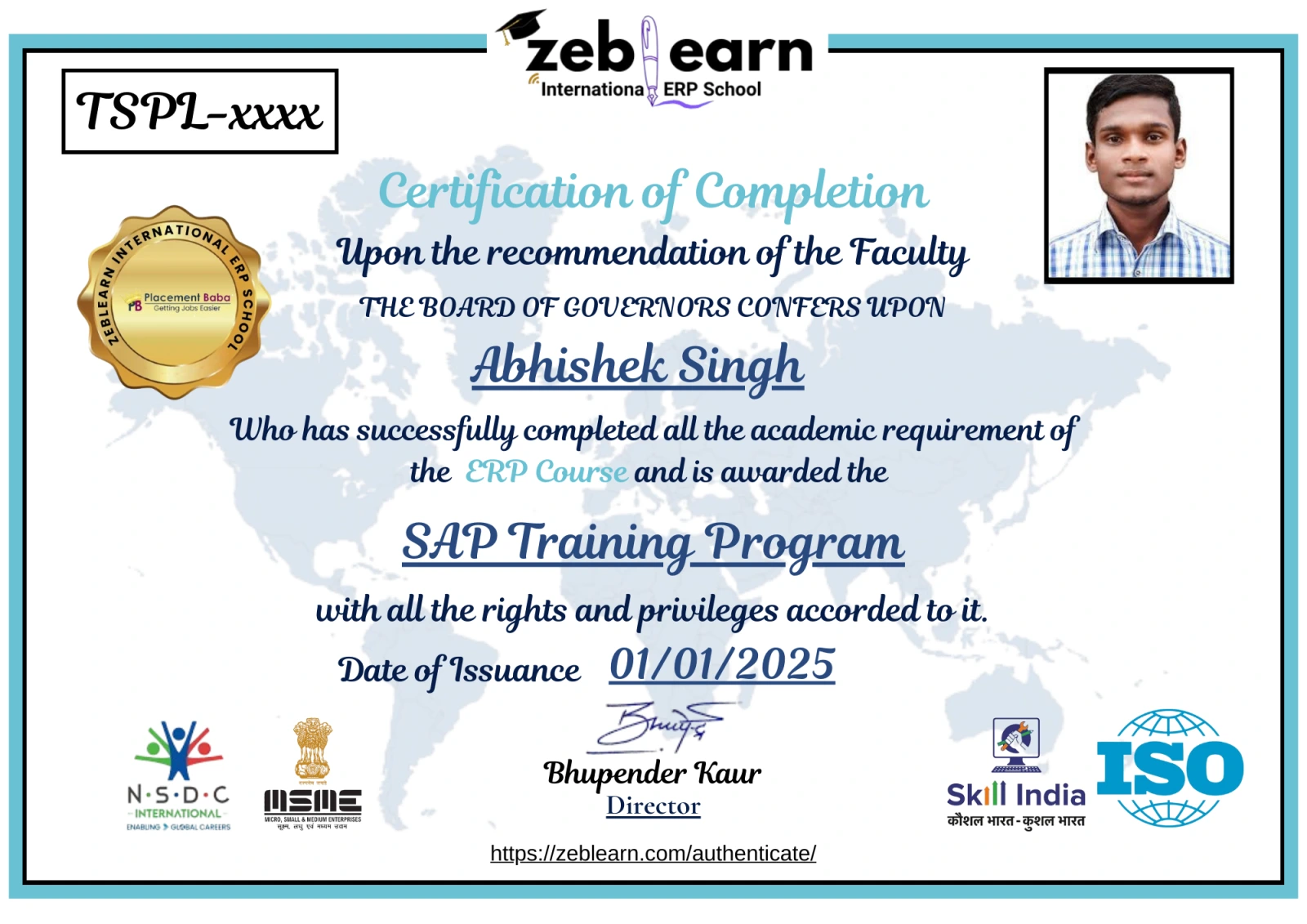
    Workday Certificate
    CAP Certified Learners

    Hear From Our Certified Learners

    Watch how CAP helped students crack exams and land global jobs.

    Video Stories

    Feedback from Our Students

    Watch how Zeblearn's programs helped students achieve their professional goals.

    Why Zeblearn

    What You Get at Zeblearn

    Zeblearn is a premier institute offering training in SAP, Workday, Data Science, Full-Stack Development, Salesforce, Machine Learning, Software Testing and more — available both online and in classroom, for students, working professionals and entrepreneurs.

    • Expert-Led Training
    • Globally Recognized Certifications
    • 100% Job Placement Support
    • Hands-On Learning
    • Flexible Learning Options
    • Affordable Course Fees
    • Career Growth Opportunities
    View Courses
    Awards & Recognition
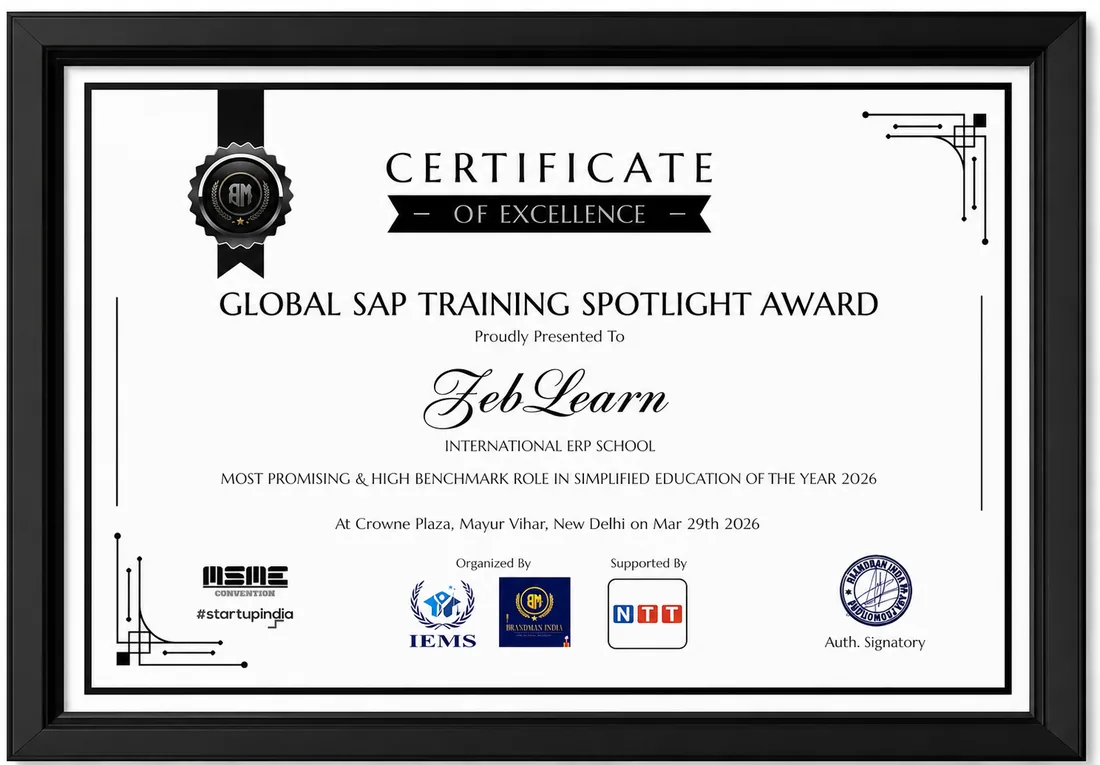
    Global SAP Training Spotlight Award
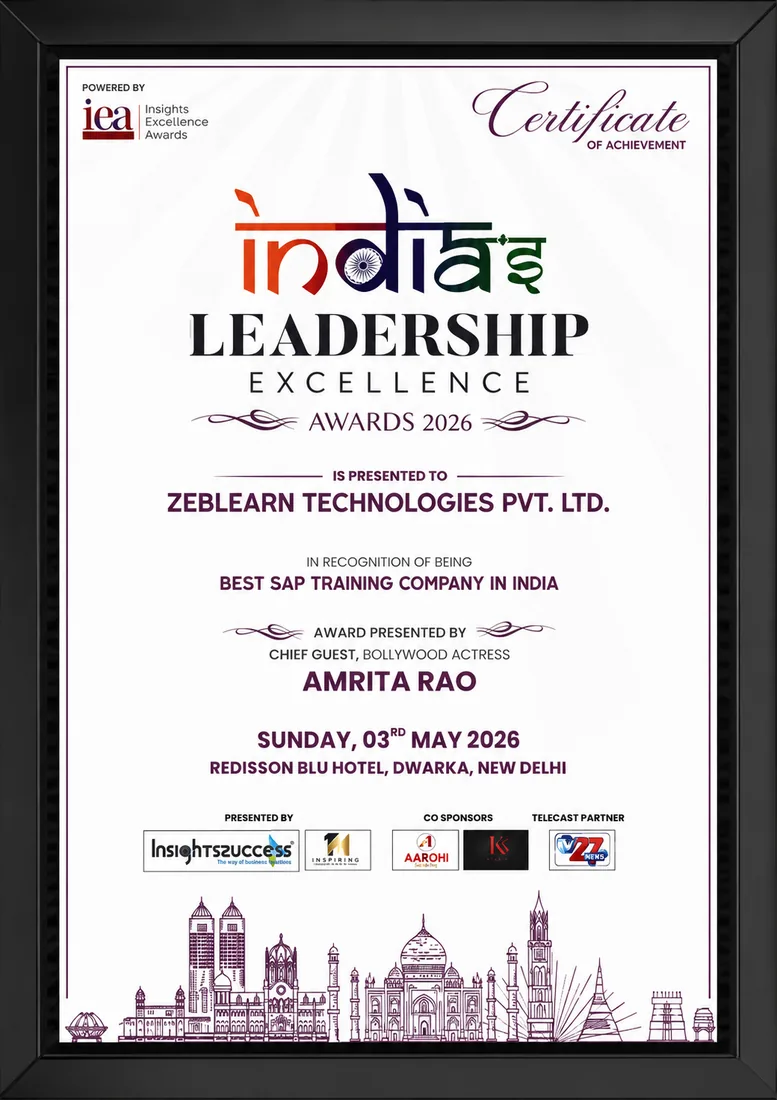
    India's Leadership Excellence Award 2026
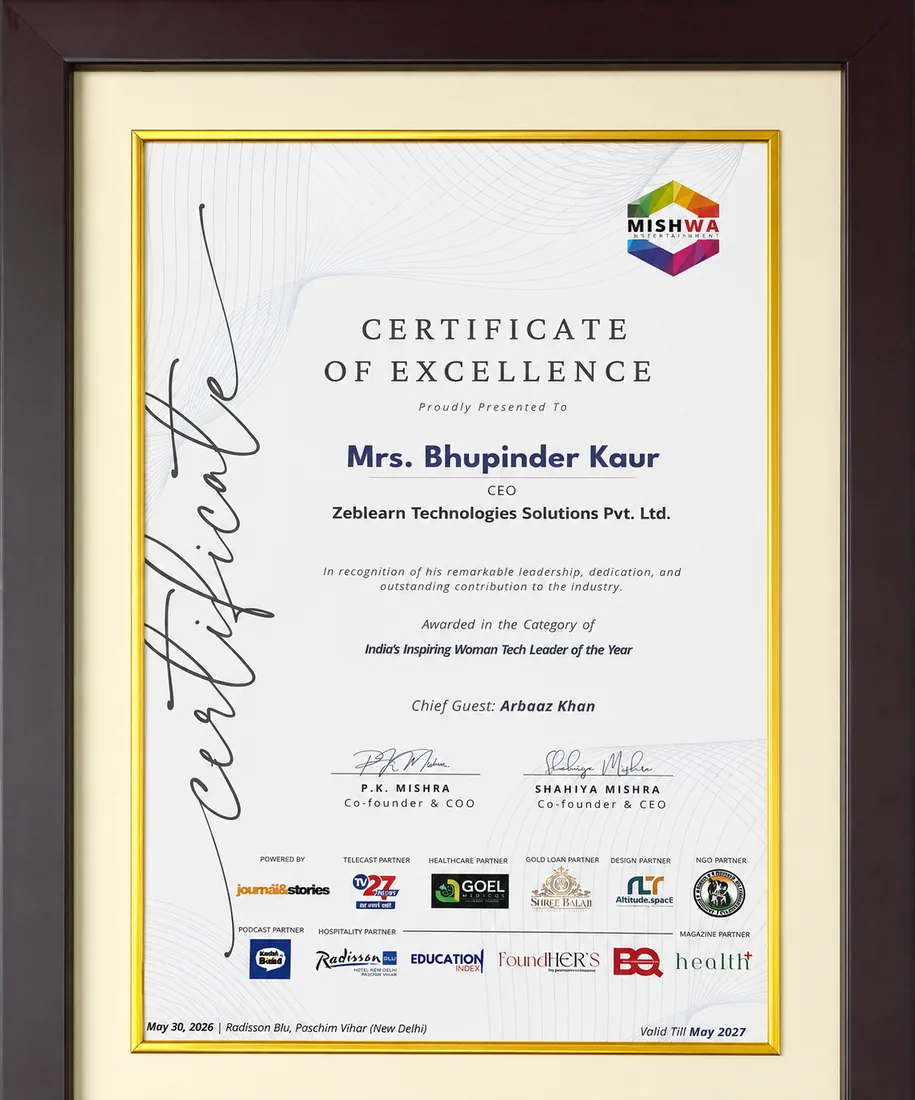
    Inspiring Woman Tech Leader of the Year

    Global SAP Training Spotlight Award

    Brandman India · 2026

    Certificate
    After You Complete

    Get exclusive access to career resources upon completion

    Pro E / Creo learners receive premium libraries of parametric parts and custom macros. Access to these assets reduces modeling time by up to 40%.

    Evaluation & Practice Sessions

    Participate in expert-led mock interviews and skill evaluation sessions after program completion.

    Learning Simulation (LMS)

    Lifetime access to LMS with recorded sessions, hands-on practice, and updated learning resources.

    Career & Placement Assistance

    Resume building, profile optimization, interview preparation, and placement guidance from industry experts.

    Live Sessions

    60-Minute Free Webinar with Certificate

    Join our live sessions and earn a free certificate. Limited seats available!

    Upcoming Live Classes

    Sessions from

    Live & Open
    DateTime ISTCourse / ModuleRegister
    Loading upcoming sessions...
    Enroll Today

    Pro E and Creo Training for Parametric CAD Design — Flexible Batches For You

    StatusDateTypeScheduleTime
    SOLD OUT 30 Aug 2026 Weekend SAT - SUN (08 Weeks) 18:00 - 20:00
    FILLING FAST 4 Sep 2026 Weekday MON - FRI (08 Weeks) 08:00 - 10:00
    AVAILABLE 9 Sep 2026 Weekend SAT - SUN (08 Weeks) 10:00 - 12:00
    Limited Time Offer

    ₹120,000

    50,000

    You save ₹70,000 Enroll Now, Pay Later

    EMI options available · No-cost study now, pay later

    FAQ

    Frequently Asked Questions

    Q: What is Pro E used for in product design? A: Pro E is a parametric CAD system that creates 3D models and detailed drawings for engineered products. Q: How does Creo Training improve CAD efficiency? A: Creo Training teaches shortcut commands and feature‑based modeling that reduce part creation time by up to 30%. Q: Can Pro E handle PLM data integration? A: Pro E integrates with PLM platforms to synchronize design revisions and bill‑of‑materials across teams.

    What is Pro E Creo?

    Why is Pro E Creo important in industry?

    What skills are learned in Pro E Creo?

    How does Pro E Creo work in real-world scenarios?

    What tools are used in Pro E Creo?

    Who should learn Pro E Creo?

    What are the main features of Pro E Creo?

    What are common challenges in Pro E Creo?

    What are benefits of learning Pro E Creo?

    What career opportunities are available after Pro E Creo?

    We use cookies to improve your experience and personalize our site. cookie policy