CorelDRAW Training for Vector Design and Print Graphics

CorelDRAW Training develops practical skills for creating precise vector artwork, page layouts, brand assets, and print-ready graphics. Explore drawing and shaping tools, text and typography controls, colour management, object arrangement, logo creation, illustration techniques, and export settings for digital and commercial print projects. This vector design course is suited to learners who want to work confidently with CorelDRAW’s design workspace and production tools.
4.9 out of 5 based on 11529 votes
google

4.8/5

sulekha

4.8/5

urbanpro

4.7/5

justdial

4.9/5

facebook

4.9/5


ISO
NSDC
Ministry of Corporate Affairs India
Skill India

Calculate Your Course Fee


By requesting here, I agree to Zeblearn's Terms & Conditions and Privacy Policy

Our Partners

Zeblearn Certification Partners

CorelDRAW Training partners with leading design studios to ensure curriculum relevance. Students receive access to premium CorelDRAW libraries valued at over 500 templates.

project-management-institute
adobe
autodesk
meta
cisco
microsoft-certified-professional
information-technology-specialist
unity
intuit
apple
esrp
ic3-digital-literacy-certification
project-management-institute
adobe
autodesk
meta
cisco
microsoft-certified-professional
information-technology-specialist
unity
intuit
apple
esrp
ic3-digital-literacy-certification
Our Students Now Work At Top MNCs
8500+ Students Placed
Nishant Kaushik Placed
Nishant Kaushik
SAP MM
manideepak Upskilled
manideepak
Manager
Hari Shankar Jha Career switch
Hari Shankar Jha
Senior System Admin
alok kumar singh Upskilled
alok kumar singh
sap hcm
Jeevak Placed
Jeevak
Consultant
Abhijit S. Getme Upskilled
Abhijit S. Getme
Consultant Engineer
Kartik Singh Placed
Kartik Singh
SAP SD
Hemant Khainar Upskilled
Hemant Khainar
SAP MM Consultant
Neeraj Khanna Placed
Neeraj Khanna
SAP MM
Burna Vinay Kumar Placed
Burna Vinay Kumar
SAP SD Consultant
Shubham Placed
Shubham
SAP ABAP Consultant
Shashikant Career switch
Shashikant
Structure Engineer
Khushbu Career switch
Khushbu
Sap hcm
Nishant Kaushik Placed
Nishant Kaushik
SAP MM
manideepak Upskilled
manideepak
Manager
Hari Shankar Jha Career switch
Hari Shankar Jha
Senior System Admin
alok kumar singh Upskilled
alok kumar singh
sap hcm
Jeevak Placed
Jeevak
Consultant
Abhijit S. Getme Upskilled
Abhijit S. Getme
Consultant Engineer
Kartik Singh Placed
Kartik Singh
SAP SD
Hemant Khainar Upskilled
Hemant Khainar
SAP MM Consultant
Neeraj Khanna Placed
Neeraj Khanna
SAP MM
Burna Vinay Kumar Placed
Burna Vinay Kumar
SAP SD Consultant
Shubham Placed
Shubham
SAP ABAP Consultant
Shashikant Career switch
Shashikant
Structure Engineer
Khushbu Career switch
Khushbu
Sap hcm
Curriculum

CorelDRAW Training, vector design course, graphic design certification, ZeblearnIndia, online illustration class Course Syllabus Structure

CorelDRAW Training covers vector fundamentals, typography, and color management. Lesson modules feature step‑by‑step projects such as creating a brand logo in under 30 minutes.

  • Introduction
  • Color Modes and their concept in designing
  • Uses of Pick tool and Basic Transformation in CorelDraw
  • Zooming & Duplicating objects in CorelDraw
  • Working on basic objects for shaping
  • How to arrange or align objects in CorelDraw
  • Shaping Command in details for CorelDraw
  • Use of Freehand tool, 2-Point line tool, Bezier Tool & Pen Tool for Shaping
  • Use of Polyline Tool, 3-Points Curve tool, Smart Drawing & Live Sketching
  • How to Create different Motifs and Transformation Options
  • Working with Artistic Media Tool and Lens Effects
  • Use of Crop Tool, Knife tool, virtual segment delete and Eraser tool
  • Smudge tool, roughen tool and other important tools
  • Working with Rectangle, Circle and Polygon in CorelDraw
  • Star, Complex Star, Spiral, Graph paper, impact and basic shapes
  • Text Tools and Tables with options
  • Advanced uses of Text tools with options
  • Drop Shadow and Contour effects with Options
  • Blend Tool and Distort Tool with Options
  • Envelope and Extrude effects with options
  • Block Shadow and transparency effects with options
  • Eye Dropper tool, Fill and outline effects
  • Mesh Fill tools, interactive fill tools and Smart Fill Tool
  • Copy Properties From, Steps and Repeats with options
  • Creating Two color Pattern in CorelDRAW
  • Importing and image and working on it
  • Editing Image with Corel Photo-Paint
  • Removing background of image by Corel Photo-Paint for CorelDRAW
  • How to Trace an Image in CorelDRAW
  • Working with PowerClip in CorelDRAW
  • Beyond Learning

    We empower you with skills that land your dream job.

    By requesting here, I agree to Zeblearn's Terms & Conditions and Privacy Policy

    FREE
    CORELDRAW TRAINING
    SELF ASSESSMENT

    CorelDRAW Training includes periodic assessments to track skill growth. The final exam requires you to produce a multi‑page brochure using advanced layering techniques.

    Take Free Practice Test
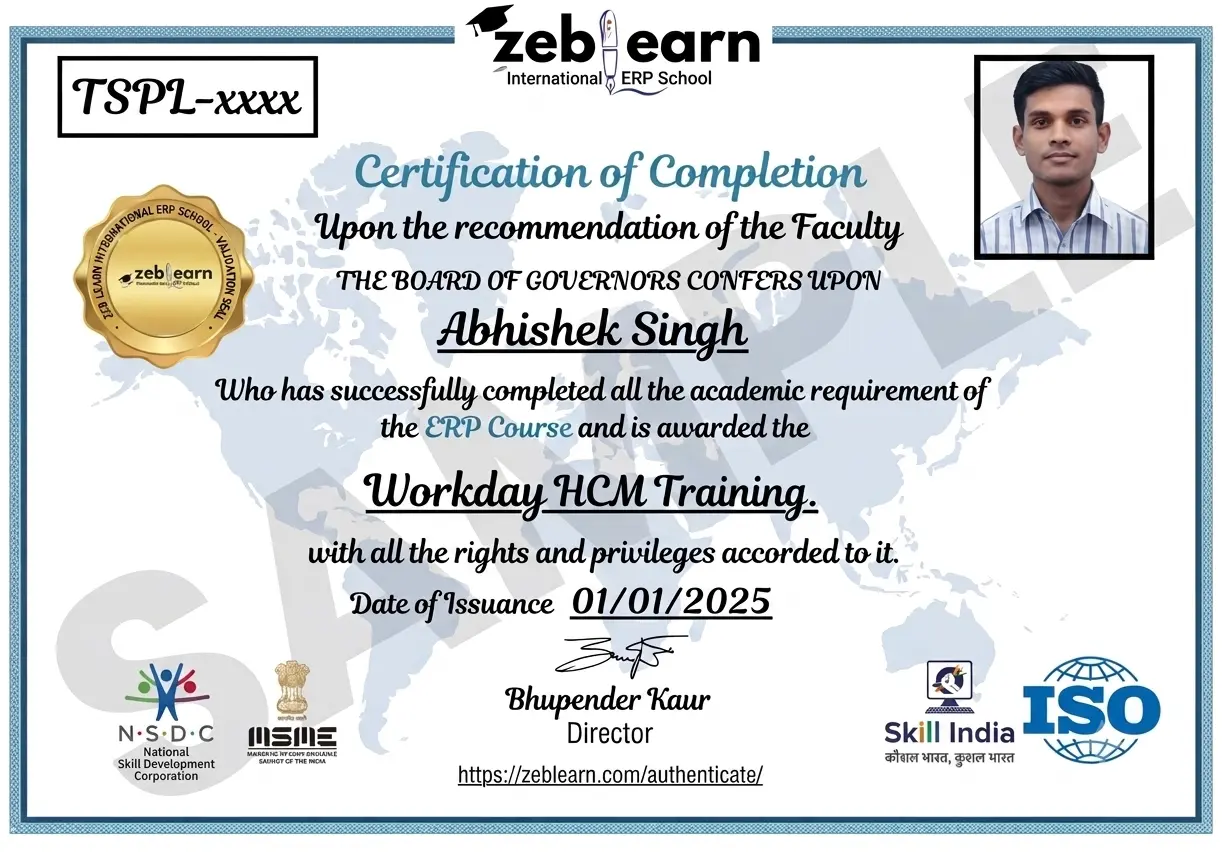
    Workday Certificate
    CAP Certified Learners

    Hear From Our Certified Learners

    Watch how CAP helped students crack exams and land global jobs.

    Video Stories

    Feedback from Our Students

    Watch how Zeblearn's programs helped students achieve their professional goals.

    Why Zeblearn

    What You Get at Zeblearn

    Zeblearn is a premier institute offering training in SAP, Workday, Data Science, Full-Stack Development, Salesforce, Machine Learning, Software Testing and more — available both online and in classroom, for students, working professionals and entrepreneurs.

    • Expert-Led Training
    • Globally Recognized Certifications
    • 100% Job Placement Support
    • Hands-On Learning
    • Flexible Learning Options
    • Affordable Course Fees
    • Career Growth Opportunities
    View Courses
    Awards & Recognition
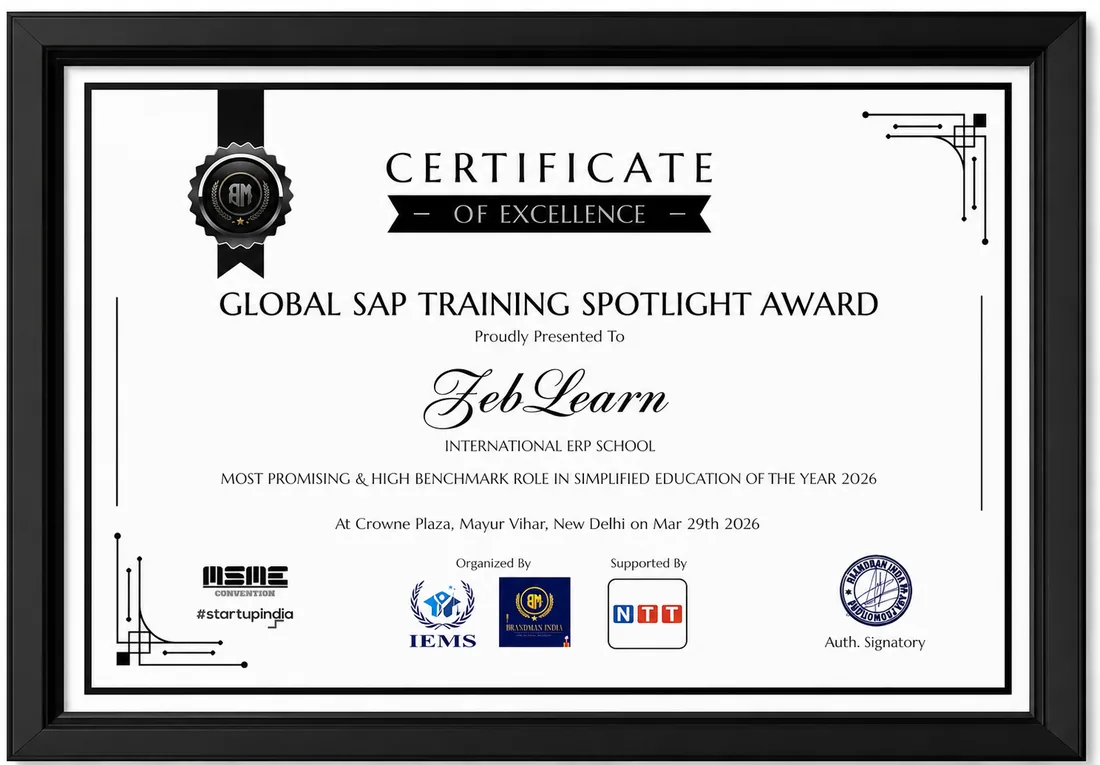
    Global SAP Training Spotlight Award
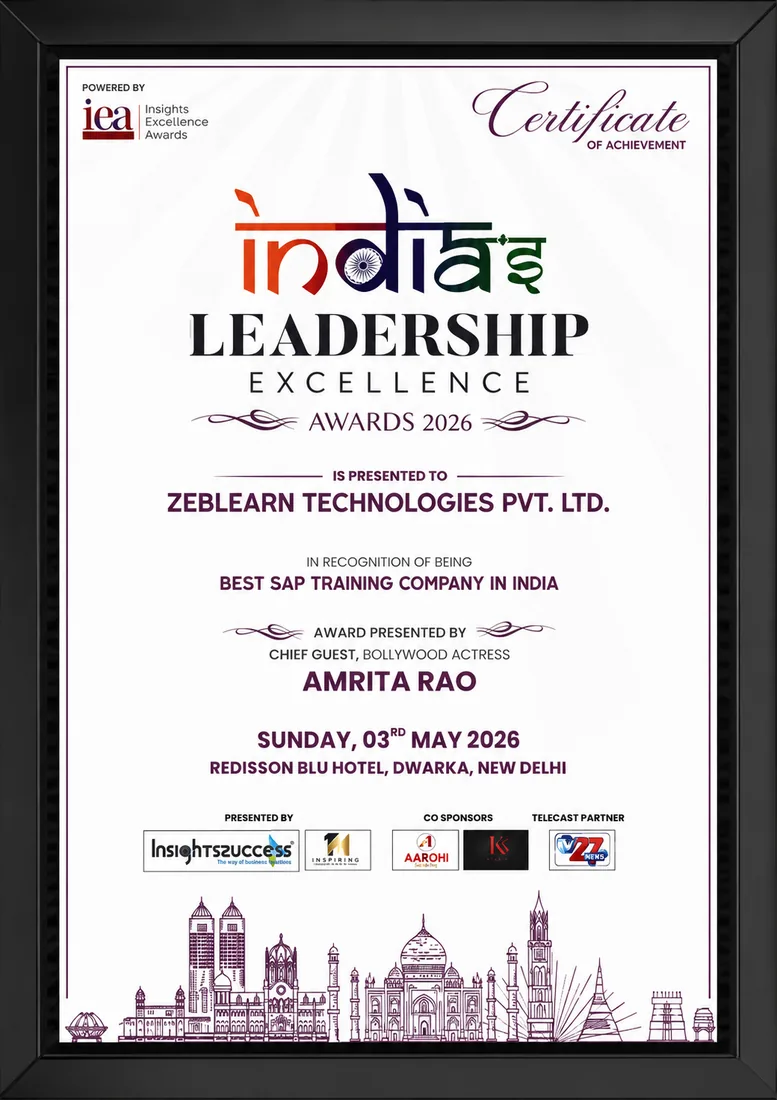
    India's Leadership Excellence Award 2026
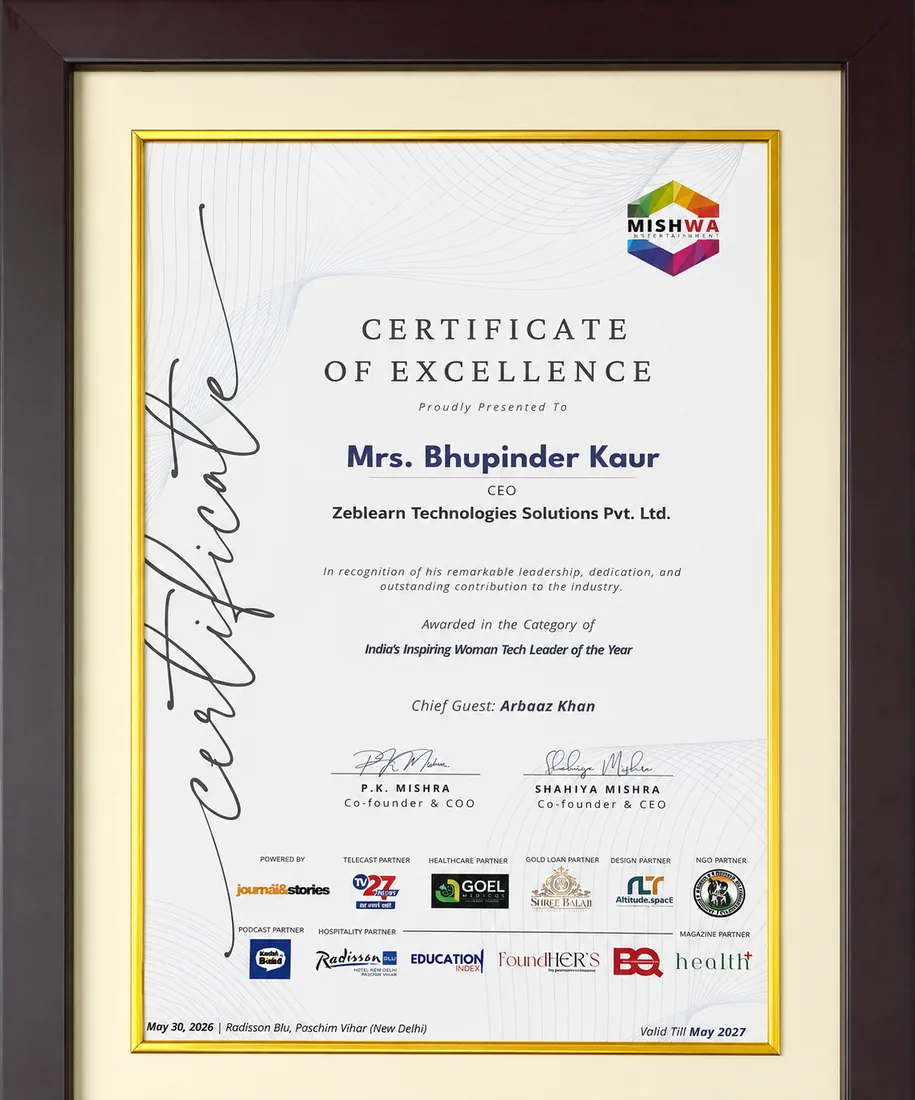
    Inspiring Woman Tech Leader of the Year

    Global SAP Training Spotlight Award

    Brandman India · 2026

    Certificate
    After You Complete

    Get exclusive access to career resources upon completion

    Enroll in CorelDRAW Training to receive exclusive access to premium plug‑ins. The package includes a 6‑month license for the latest CorelDRAW extensions.

    Evaluation & Practice Sessions

    Participate in expert-led mock interviews and skill evaluation sessions after program completion.

    Learning Simulation (LMS)

    Lifetime access to LMS with recorded sessions, hands-on practice, and updated learning resources.

    Career & Placement Assistance

    Resume building, profile optimization, interview preparation, and placement guidance from industry experts.

    Live Sessions

    60-Minute Free Webinar with Certificate

    Join our live sessions and earn a free certificate. Limited seats available!

    Upcoming Live Classes

    Sessions from

    Live & Open
    DateTime ISTCourse / ModuleRegister
    Loading upcoming sessions...
    Enroll Today

    CorelDRAW Training for Vector Design and Print Graphics — Flexible Batches For You

    StatusDateTypeScheduleTime
    SOLD OUT 1 Sep 2026 Weekend SAT - SUN (08 Weeks) 18:00 - 20:00
    FILLING FAST 6 Sep 2026 Weekday MON - FRI (08 Weeks) 08:00 - 10:00
    AVAILABLE 11 Sep 2026 Weekend SAT - SUN (08 Weeks) 10:00 - 12:00
    Limited Time Offer

    ₹120,000

    50,000

    You save ₹70,000 Enroll Now, Pay Later

    EMI options available · No-cost study now, pay later

    FAQ

    Frequently Asked Questions

    Q: What skills does CorelDRAW Training develop? A: CorelDRAW Training develops vector illustration, page layout, and typography manipulation using CorelDRAW tools. Q: How long is the online CorelDRAW Training course? A: The online CorelDRAW Training spans 30 instructional hours divided into bite-sized modules. Q: Is a certification awarded after completing the CorelDRAW Training? A: Upon finishing the CorelDRAW Training, Zeblearn issues a graphic design certification recognized by industry partners.

    CorelDRAW Training is widely used in modern industries for design, development, testing, or simulation purposes. It helps professionals create high-quality outputs efficiently. ZebLearn training provides practical exposure with real-world scenarios and projects.

    The core of CorelDRAW Training includes essential tools, features, and workflows that enable users to perform tasks such as editing, modeling, simulation, or automation effectively.

    CorelDRAW Training is used in industries like media, engineering, IT, animation, and product design for creating, testing, and optimizing outputs.

    Beginners should start with fundamentals, followed by tool usage, guided exercises, and real-world projects. ZebLearn offers structured learning paths and hands-on labs.

    Challenges include tool complexity, performance issues, and lack of practical understanding. These can be resolved through consistent practice and guided training.

    CorelDRAW Training differs from alternatives in terms of usability, features, performance, and industry adoption depending on specific needs.

    CorelDRAW Training enhances productivity by automating workflows, improving quality, and enabling faster execution of tasks.

    Interview questions focus on practical knowledge, workflows, tools, and real-world scenarios. Candidates should answer with examples.

    Career opportunities include designer, developer, analyst, engineer, or multimedia specialist roles depending on the field.

    ZebLearn CorelDRAW Training training includes hands-on projects, real-world scenarios, and expert guidance to help learners become job-ready professionals.

    We use cookies to improve your experience and personalize our site. cookie policy