Advanced Animation Training for Character Performance in Autodesk Maya

Advanced Animation Training explores the craft of creating convincing character movement and performance with Autodesk Maya. The course focuses on animation principles such as timing, weight, posing, body mechanics, facial expression, and shot refinement, helping learners translate story and emotion into purposeful on-screen action. It is suited to animators seeking a more detailed approach to character animation for film, games, and digital media.
4.9 out of 5 based on 13609 votes
google

4.8/5

sulekha

4.8/5

urbanpro

4.7/5

justdial

4.9/5

facebook

4.9/5


ISO
NSDC
Ministry of Corporate Affairs India
Skill India

Calculate Your Course Fee


By requesting here, I agree to Zeblearn's Terms & Conditions and Privacy Policy

Our Partners

Zeblearn Certification Partners

Advanced Animation Training partners with top VFX houses to ensure curriculum relevance. Students access exclusive plugins and asset libraries used in blockbuster productions.

project-management-institute
adobe
autodesk
meta
cisco
microsoft-certified-professional
information-technology-specialist
unity
intuit
apple
esrp
ic3-digital-literacy-certification
project-management-institute
adobe
autodesk
meta
cisco
microsoft-certified-professional
information-technology-specialist
unity
intuit
apple
esrp
ic3-digital-literacy-certification
Our Students Now Work At Top MNCs
8500+ Students Placed
Nishant Kaushik Placed
Nishant Kaushik
SAP MM
manideepak Upskilled
manideepak
Manager
Hari Shankar Jha Career switch
Hari Shankar Jha
Senior System Admin
alok kumar singh Upskilled
alok kumar singh
sap hcm
Jeevak Placed
Jeevak
Consultant
Abhijit S. Getme Upskilled
Abhijit S. Getme
Consultant Engineer
Kartik Singh Placed
Kartik Singh
SAP SD
Hemant Khainar Upskilled
Hemant Khainar
SAP MM Consultant
Neeraj Khanna Placed
Neeraj Khanna
SAP MM
Burna Vinay Kumar Placed
Burna Vinay Kumar
SAP SD Consultant
Shubham Placed
Shubham
SAP ABAP Consultant
Shashikant Career switch
Shashikant
Structure Engineer
Khushbu Career switch
Khushbu
Sap hcm
Nishant Kaushik Placed
Nishant Kaushik
SAP MM
manideepak Upskilled
manideepak
Manager
Hari Shankar Jha Career switch
Hari Shankar Jha
Senior System Admin
alok kumar singh Upskilled
alok kumar singh
sap hcm
Jeevak Placed
Jeevak
Consultant
Abhijit S. Getme Upskilled
Abhijit S. Getme
Consultant Engineer
Kartik Singh Placed
Kartik Singh
SAP SD
Hemant Khainar Upskilled
Hemant Khainar
SAP MM Consultant
Neeraj Khanna Placed
Neeraj Khanna
SAP MM
Burna Vinay Kumar Placed
Burna Vinay Kumar
SAP SD Consultant
Shubham Placed
Shubham
SAP ABAP Consultant
Shashikant Career switch
Shashikant
Structure Engineer
Khushbu Career switch
Khushbu
Sap hcm
Curriculum

Advanced Animation Training, ZeblearnIndia, character animation, Autodesk Maya, online animation course Course Syllabus Structure

Advanced Animation Training curriculum covers procedural rigging, dynamic simulations, and facial animation techniques. Each module includes 5 project‑based assignments evaluated by industry mentors.

  • Download the Course Project Files | After Effects Course
  • Animate Your Name! | After Effects Course
  • Tutorial Request Form | After Effects Course
  • Tips to Improve Your Course Taking Experience | After Effects Course
  • Know Your Way Around After Effects | After Effects Course
  • Start a New Composition | After Effects Course
  • CC Update: Starting a New Composition from Footage | After Effects Course
  • Importing Media and Placing on the Timeline | After Effects Course
  • Learn the Important Tools | After Effects Course
  • Create a Perfect Square or Circle, Alignment, and Colors | After Effects Course
  • The Timeline | After Effects Course
  • CC 2023 Update: Properties Panel
  • Layer Transformations | After Effects Course
  • Instructor Note - Get More Resources and Tips | After Effects Course
  • Adding and Editing Keyframes + Opacity Animations | After Effects Course
  • Position, Size, and Rotation Animations | After Effects Course
  • Make Animations Better with Easy Ease and Motion Blur | After Effects Course
  • Advanced Animations with the Graph Editor | After Effects Course
  • Challenge: Bouncing Ball Animation | After Effects Course
  • Solution: Bouncing Ball Animation | After Effects Course
  • Get More Video Resources & Tips | After Effects Course
  • Working with Solid Layers | After Effects Course
  • Working with Shapes | After Effects Course
  • Layer Styles - Drop Shadows, Bevel & Emboss, and Gradients
  • Shape Effects | After Effects Course
  • CC 2020 Update: Tapered Strokes | After Effects Course
  • CC 2020 Update: Concentric Shapes | After Effects Course
  • Track Mattes: Make Layers Appear and Disappear | After Effects Course
  • Pre-Compositions: Grouping Layers Together | After Effects Course
  • Quickly Reversing Animations | After Effects Course
  • Freeze Frames, Remapping, Reversing Time | After Effects Course
  • Blend Modes | After Effects Course
  • Stabilizing Footage | After Effects Course
  • CC 2018 Update: Previewing and Favoriting Fonts | After Effects Course
  • CC 2019 Update: Responsive Design | After Effects Course
  • CC 2019 Update: Content Aware Fill | After Effects Course
  • CC 2019 Update: Create Motion Graphics Templates to Use in Premiere Pro
  • Intro to Real World Projects | After Effects Course
  • Project: Clean Lower Third | After Effects Course
  • Project: Colorful Transition | After Effects Course
  • Project: Text with Mask Transition | After Effects Course
  • Project: Text Bubble Pop-Up Animation | After Effects Course
  • Project: Weather App User Design Animation | After Effects Course
  • Project: Simple Logo Reveal | After Effects Course
  • Design Your Own Flat Animation Scene | After Effects Course
  • Designing My Flat Animation Scene | After Effects Course
  • Animating Fireworks with a Repeater Shape | After Effects Course
  • Remove Green Screen with Keylight 1.2 | After Effects Course
  • Adding a Background that Matches the Foreground + Parenting
  • Adding Motion to a Still Image with the Puppet Tool | After Effects Course
  • Adding Motion to the Background Photo with Ripple Effect | After Effects Course
  • 3D in After Effects + The Camera Tool and Views | After Effects Course
  • Swinging 3D Rotating Text Animation + Null Objects | After Effects Course
  • Building a 3D Composition | After Effects Course
  • Animating in 3D Space | After Effects Course
  • Creating Stars in After Effects | After Effects Course
  • Make a Selection with the Rotoscope Tool | After Effects Course
  • Cleaning Up Edges | After Effects Course
  • Putting Rotoscoping to Work | After Effects Course
  • Replacing a Screen with Easy Masking | After Effects Course
  • Replacing a Screen with Masking and 3D Motion | After Effects Course
  • Replacing Device Screens with Mocha | After Effects Course
  • CC 2019 Update: Mocha Native Plugin | After Effects Course
  • Setting Your Pins | After Effects Course
  • Animating Your Pins to Make a Bird Fly | After Effects Course
  • Animating Your Owl's Blinking Eyes | After Effects Course
  • Adding Perspective with Animated Clouds | After Effects Course
  • CC 2019 Update: Advanced Puppet Tools | After Effects Course
  • Text Animations | After Effects Course
  • CC Page Turn | After Effects Course
  • Radial and Linear Wipe Effect | After Effects Course
  • Color Correction | After Effects Course
  • CC 2019 Update: Selective Color Grading | After Effects Course
  • Motion Tracking Basics | After Effects Course
  • Attaching Text & Visual Effects to Video Clip with Tracking
  • Tracking Scale and Rotation | After Effects Course
  • Adding More Details to Your Text | After Effects Course
  • Motion Tracking Basics | After Effects Course
  • Attaching Text & Visual Effects to Video Clip with Tracking
  • Tracking Scale and Rotation | After Effects Course
  • Adding More Details to Your Text | After Effects Course
  • Intro to Character Animations | After Effects Course
  • Design Your Character | After Effects Course
  • Rigging Body Parts | After Effects Course
  • Animate Your Character | After Effects Course
  • Adding an Animated Background for Context | After Effects Course
  • Adding Details to Your Character Animation | After Effects Course
  • Adding the 'Paper Cut Out' Texture to Your Layers | After Effects Course
  • Exporting H.264 Files | After Effects Course
  • Exporting with a Transparent Background | After Effects Course
  • Exporting Videos with Adobe Media Encoder | After Effects Course
  • CC 2018 Update: Exporting an Animated GIF from Adobe Media Encoder
  • Creating an Animated GIF with CC 2017 and Earlier Versions
  • Editing Audio in After Effects | After Effects Course
  • Working with Premiere Pro Projects | After Effects Course
  • Adding an Expression | After Effects Course
  • Animate a Flickering Light with Expressions | After Effects Course
  • Dive Deeper with After Effects Expressions | After Effects Course
  • Work Smarter, Not Harder: Why Use Stock Websites Like Envato Elements
  • Which Stock Platforms Do I Recommend?
  • How Do I Use Stock Elements in My Videos?
  • How to Find the Perfect Assets for Your Videos
  • Make Your Video Better with Stock Footage
  • Create a Custom Transition & Style in Premiere Pro with Stock
  • How to Use Stock Premiere Pro Motion Graphics Files
  • Quickly Create Social Media Videos (Shorts, Reels, etc.) with Stock Templates
  • How to Edit an After Effects Template File
  • Beyond Learning

    We empower you with skills that land your dream job.

    By requesting here, I agree to Zeblearn's Terms & Conditions and Privacy Policy

    FREE
    ADVANCED ANIMATION TRAINING
    SELF ASSESSMENT

    Advanced Animation Training uses a rubric that measures rigging efficiency, simulation realism, and storytelling impact. Scores above 85 % unlock a master‑level badge.

    Take Free Practice Test
    Workday Certificate
    CAP Certified Learners

    Hear From Our Certified Learners

    Watch how CAP helped students crack exams and land global jobs.

    Video Stories

    Feedback from Our Students

    Watch how Zeblearn's programs helped students achieve their professional goals.

    Why Zeblearn

    What You Get at Zeblearn

    Zeblearn is a premier institute offering training in SAP, Workday, Data Science, Full-Stack Development, Salesforce, Machine Learning, Software Testing and more — available both online and in classroom, for students, working professionals and entrepreneurs.

    • Expert-Led Training
    • Globally Recognized Certifications
    • 100% Job Placement Support
    • Hands-On Learning
    • Flexible Learning Options
    • Affordable Course Fees
    • Career Growth Opportunities
    View Courses
    Awards & Recognition
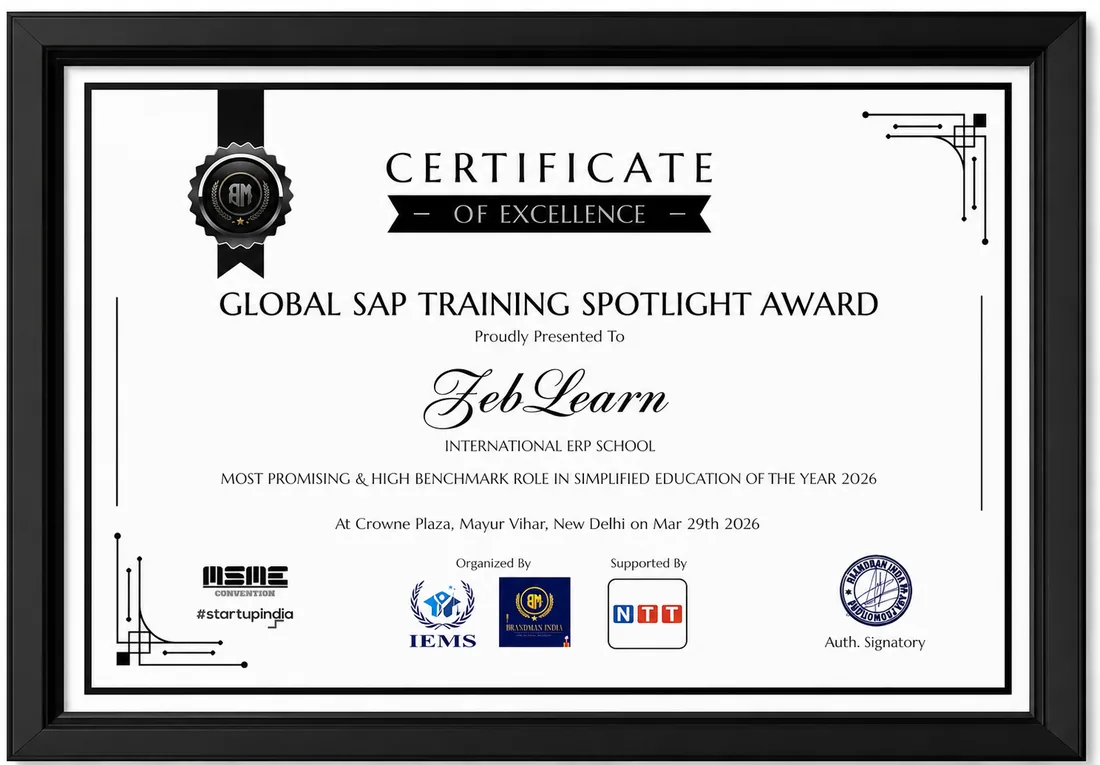
    Global SAP Training Spotlight Award
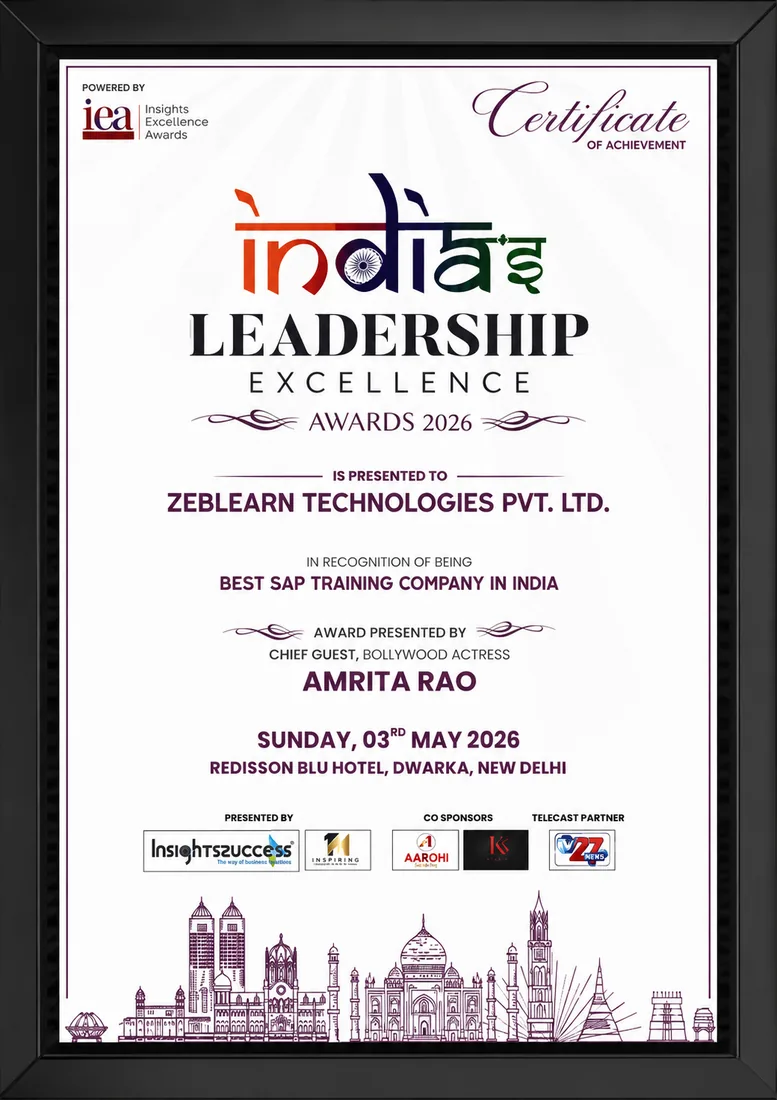
    India's Leadership Excellence Award 2026
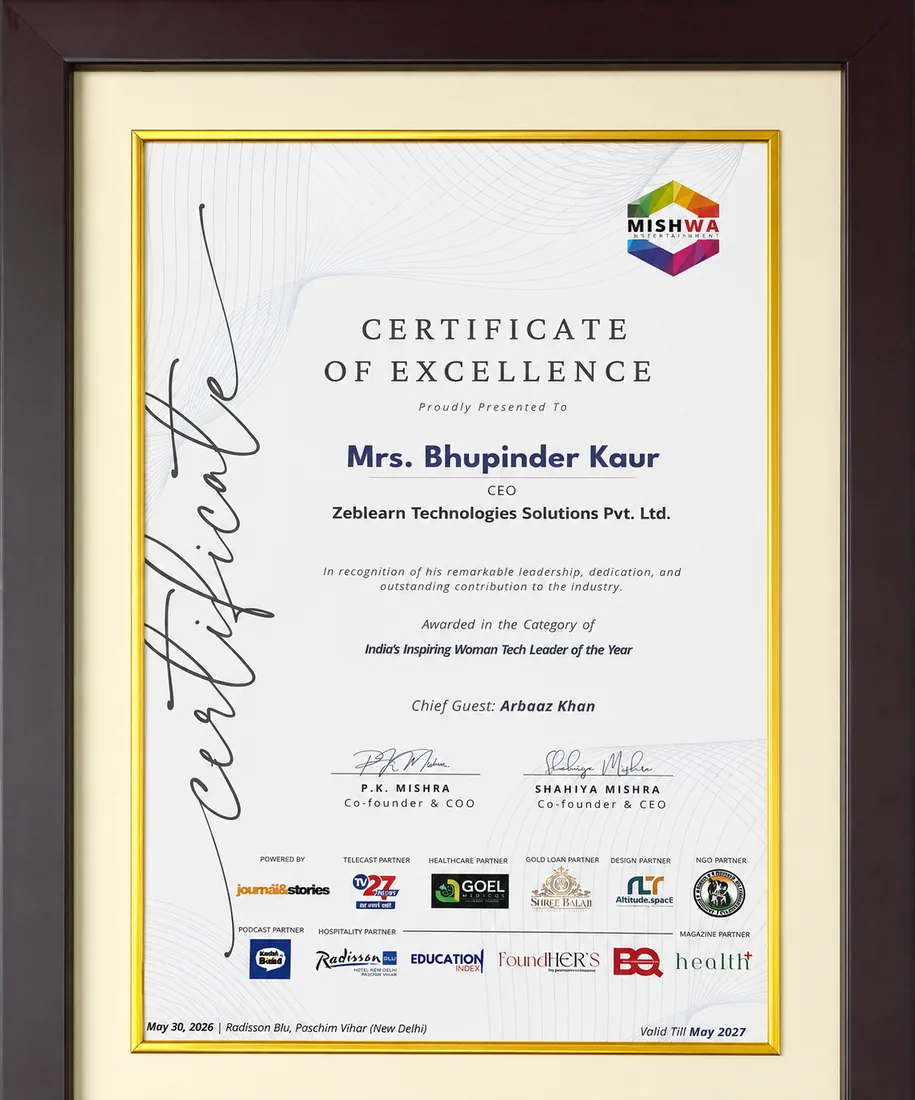
    Inspiring Woman Tech Leader of the Year

    Global SAP Training Spotlight Award

    Brandman India · 2026

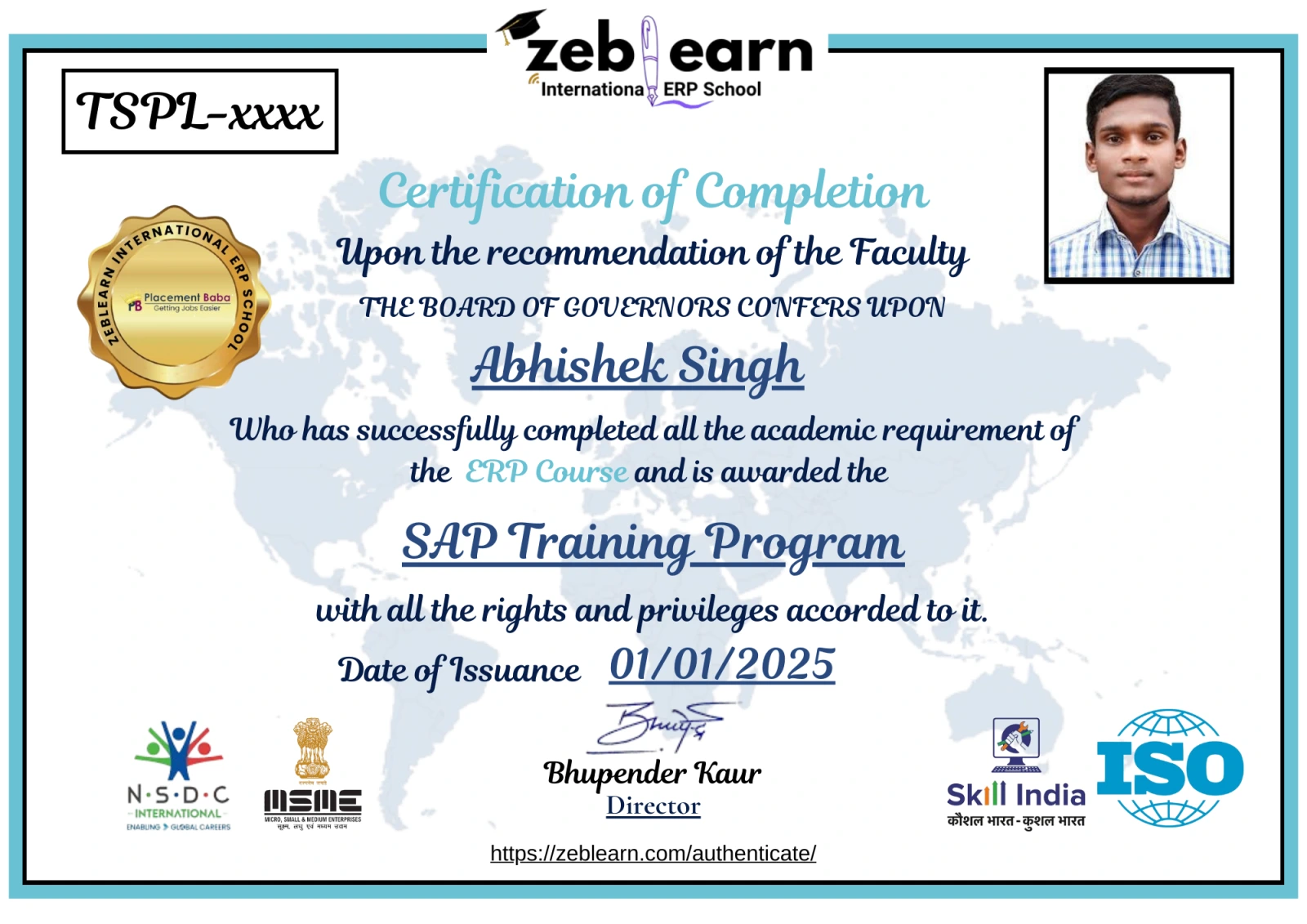
    Certificate
    After You Complete

    Get exclusive access to career resources upon completion

    Advanced Animation Training provides access to premium asset packs and custom scripts unavailable elsewhere. Enrollees also receive lifetime updates to course materials.

    Evaluation & Practice Sessions

    Participate in expert-led mock interviews and skill evaluation sessions after program completion.

    Learning Simulation (LMS)

    Lifetime access to LMS with recorded sessions, hands-on practice, and updated learning resources.

    Career & Placement Assistance

    Resume building, profile optimization, interview preparation, and placement guidance from industry experts.

    Live Sessions

    60-Minute Free Webinar with Certificate

    Join our live sessions and earn a free certificate. Limited seats available!

    Upcoming Live Classes

    Sessions from

    Live & Open
    DateTime ISTCourse / ModuleRegister
    Loading upcoming sessions...
    Enroll Today

    Advanced Animation Training for Character Performance in Autodesk Maya — Flexible Batches For You

    StatusDateTypeScheduleTime
    SOLD OUT 30 Aug 2026 Weekend SAT - SUN (08 Weeks) 18:00 - 20:00
    FILLING FAST 4 Sep 2026 Weekday MON - FRI (08 Weeks) 08:00 - 10:00
    AVAILABLE 9 Sep 2026 Weekend SAT - SUN (08 Weeks) 10:00 - 12:00
    Limited Time Offer

    ₹120,000

    50,000

    You save ₹70,000 Enroll Now, Pay Later

    EMI options available · No-cost study now, pay later

    FAQ

    Frequently Asked Questions

    Q: What skills does Advanced Animation Training develop? A: Advanced Animation Training develops character animation expertise and physics simulation techniques using Autodesk Maya. Q: How long is the online Advanced Animation Training course? A: Advanced Animation Training spans 120 instructional hours delivered through Zeblearn's online platform. Q: Is certification awarded after completing Advanced Animation Training? A: Advanced Animation Training grants a ZeblearnIndia certificate confirming mastery of professional animation pipelines.

    What is Advanced Animation Training?

    Why is Advanced Animation Training important in industry?

    What skills are learned in Advanced Animation Training?

    How does Advanced Animation Training work in real-world scenarios?

    What tools are used in Advanced Animation Training?

    Who should learn Advanced Animation Training?

    What are the main features of Advanced Animation Training?

    What are common challenges in Advanced Animation Training?

    What are benefits of learning Advanced Animation Training?

    What career opportunities are available after Advanced Animation Training?

    We use cookies to improve your experience and personalize our site. cookie policy